The AI listing media workstation

Staged, listing-ready photos in about 30 seconds

Upload the photos you already have. StageSnap stages the rooms, cuts the walkthrough video, builds the flyers — even writes the listing a song.

Plans from $9/mo · Cancel anytime

Or try it right here — no account needed ↓
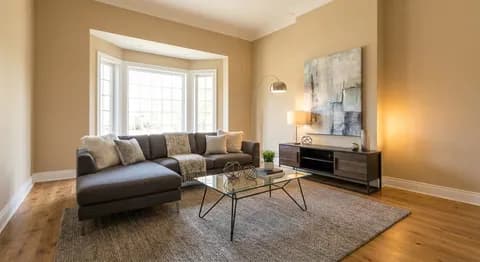
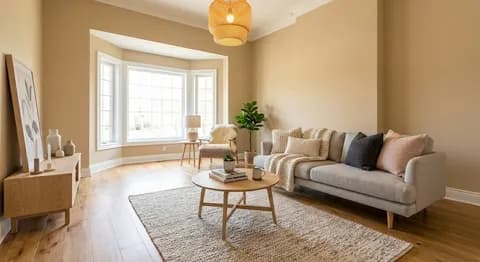
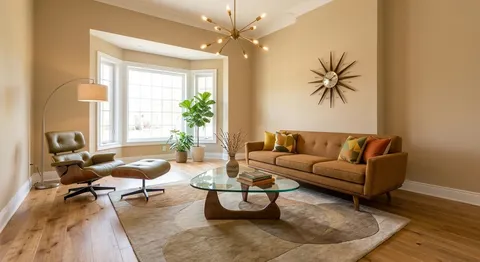
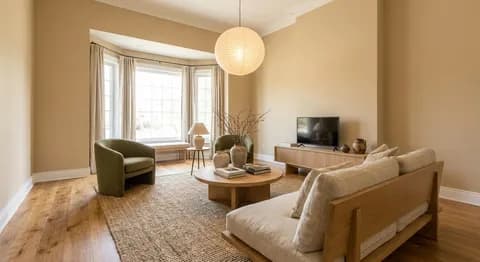
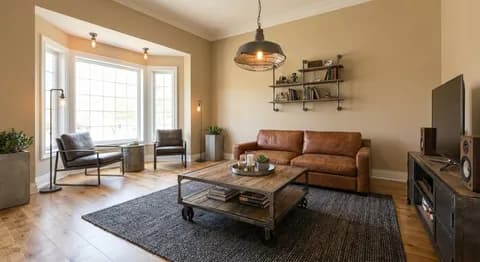
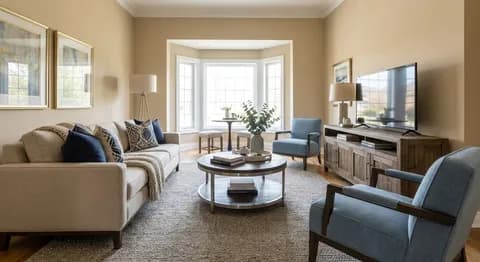
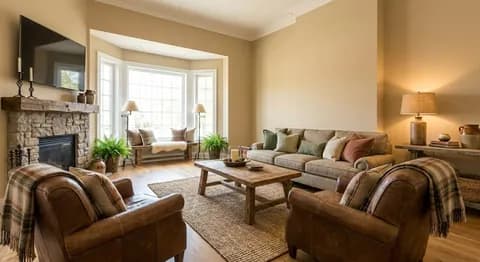
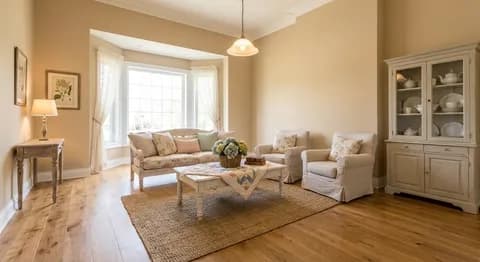
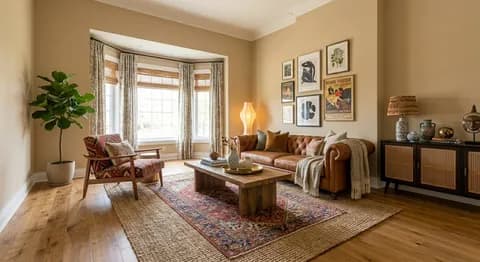
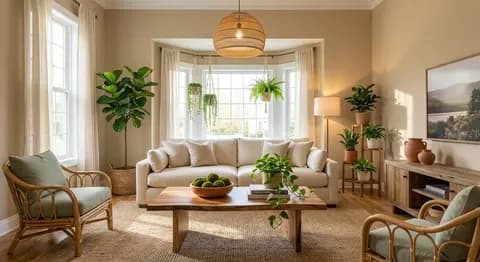
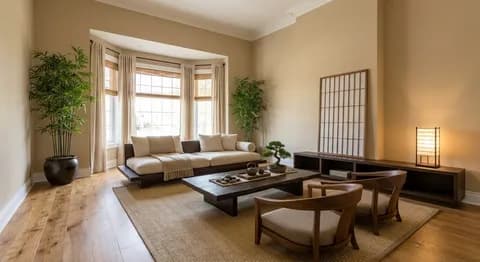
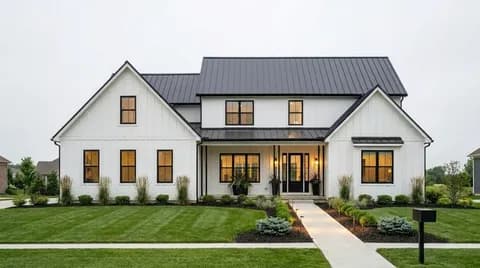
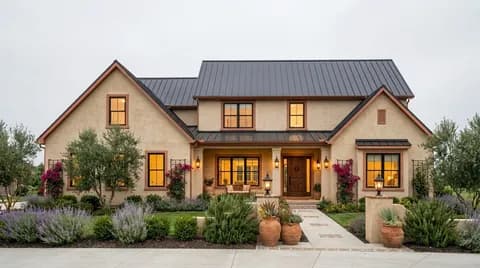
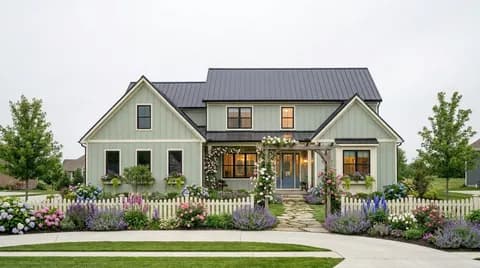
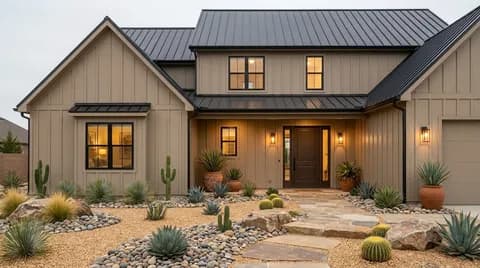
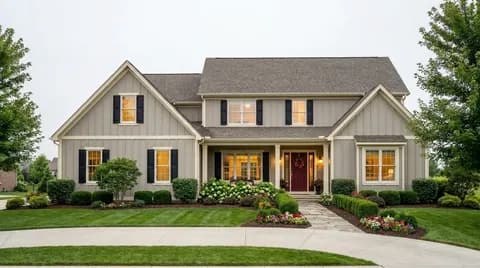
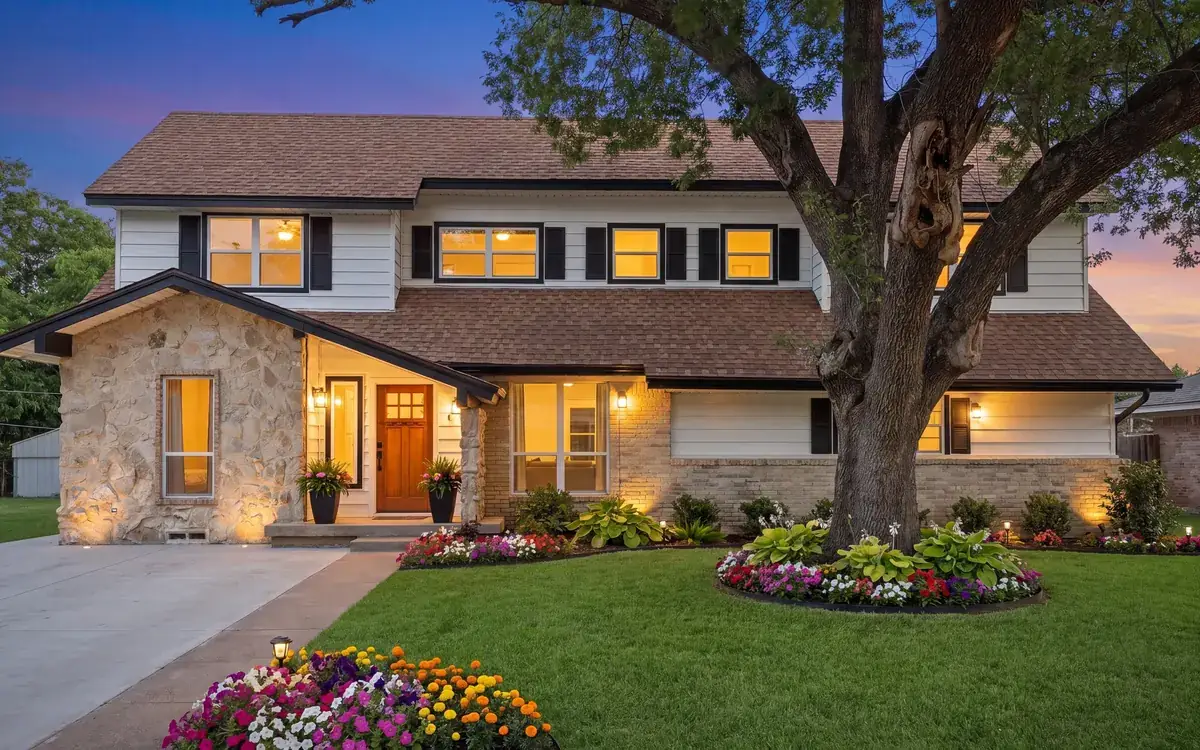
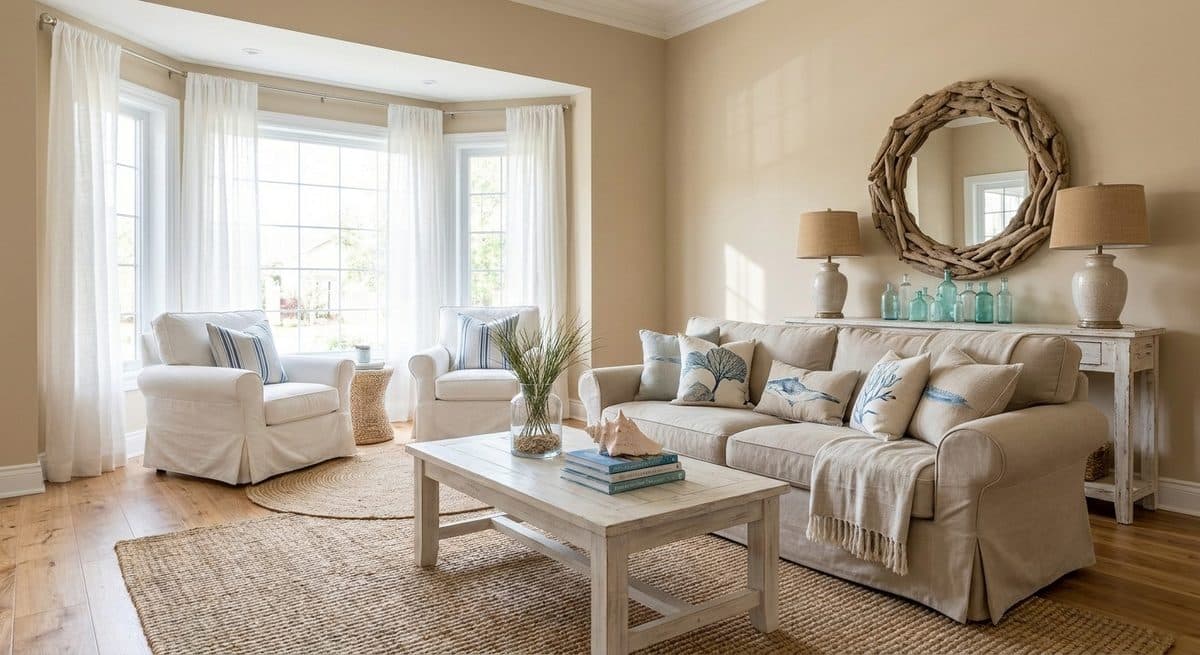
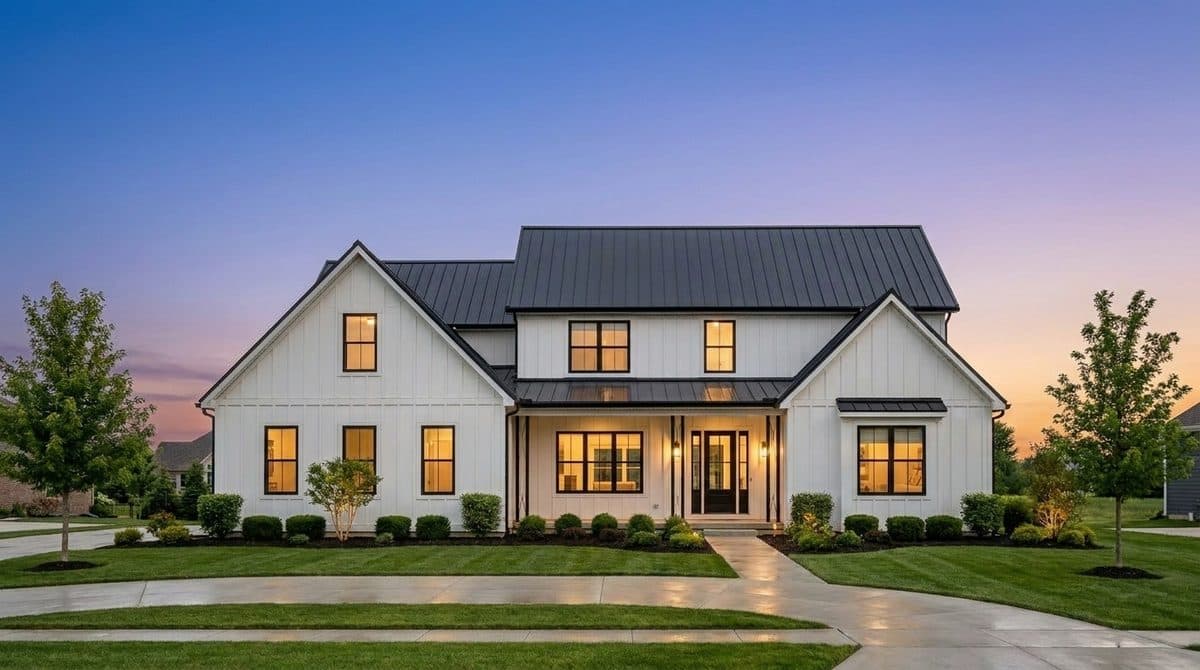
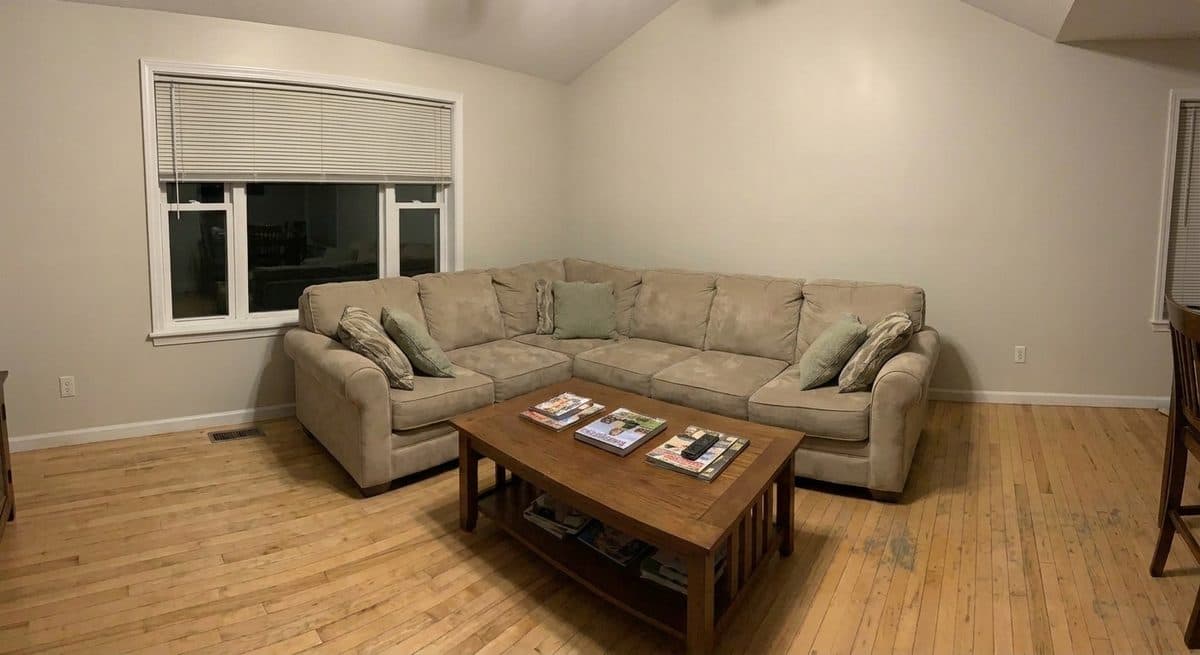
A real staged living room renderA real coastal staging renderA real twilight conversion renderA real decluttered room render

Built with early realtor teams

Every render on this page is a real StageSnap output

We stage your rooms. We don’t move your walls.

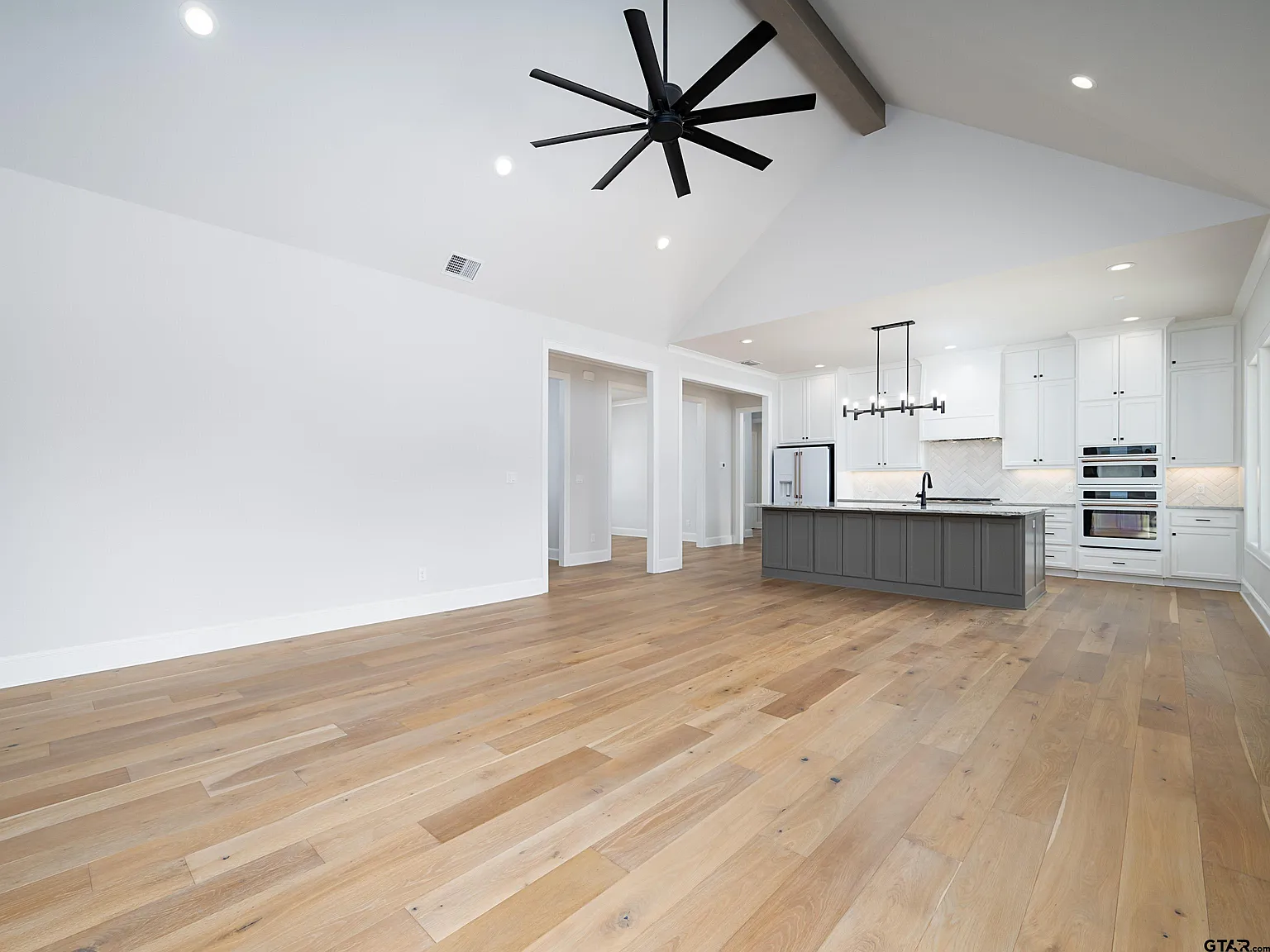
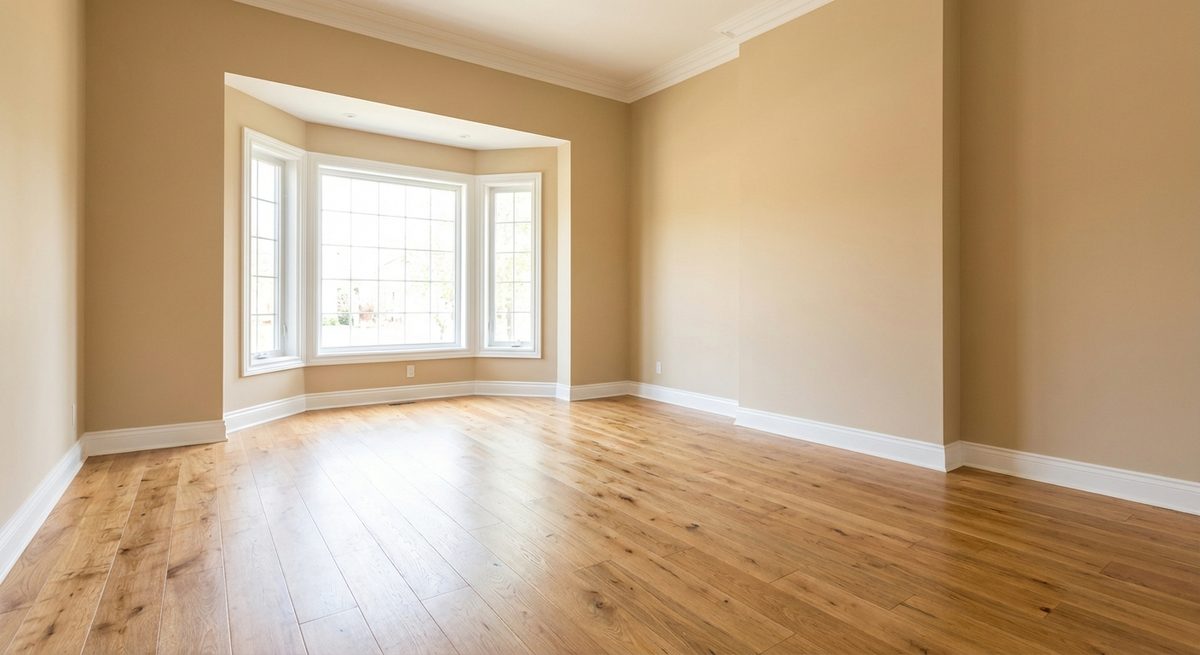
Before — empty living room
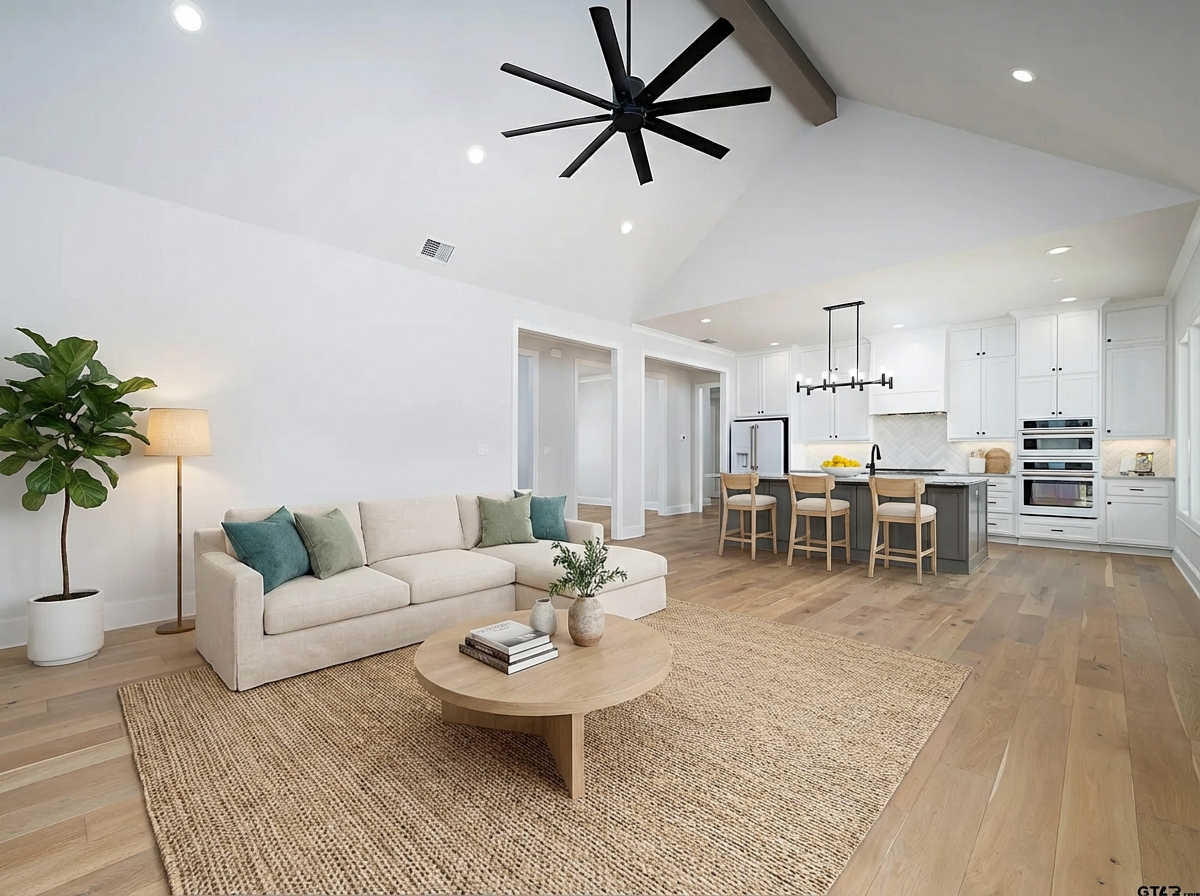
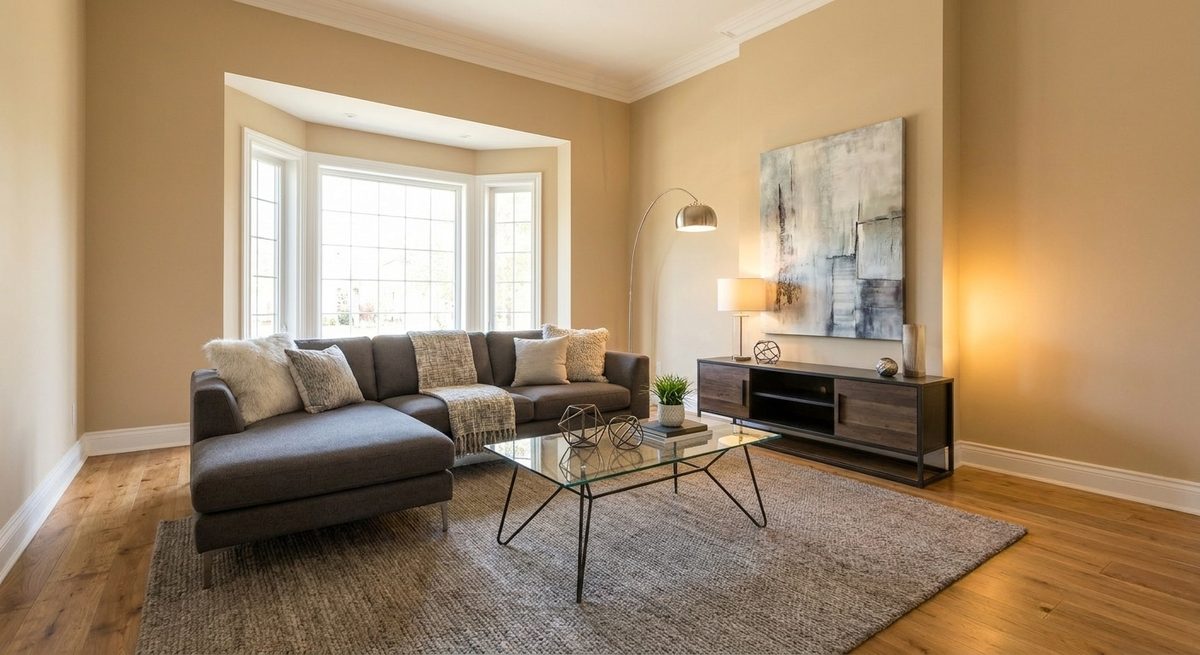
After — staged with AI
Before
After
← drag to compare →
Staging
Twilight
Materials
Floor plans
Video
Flyers

Everything a listing needs:

  • MLS-READY
  • Web + iPhone
  • STRIPE SECURED
  • 4K Exports
  • PRINT-READY
  • Fair-Housing Aware
  1. Step 1

    Upload your listing photo

  2. Step 2

    Pick a style and mode

  3. Step 3

    Download and publish

25+ styles of virtual staging

Declutter a room in one click

Twilight from a midday photo

Curb appeal and exterior refresh

Material swap counters, floors, walls

Floor plans to furnished renders

Walkthroughs cut from your stills

Listing songs written for the home

Flyers and postcards, print-ready

Web + iPhone same account, same work

Built for:
Listing agentsBrokeragesRE photographersFlippersProperty managersTeamsLendersStagers
Real renders, not mockups

Judge the results yourself

Every pair below is an unretouched StageSnap output on a real photo — the same engine you get on your first upload.

Virtual staging~30 sec render
Before — Empty living room virtually staged in a modern styleBefore
After — Empty living room virtually staged in a modern styleAfter

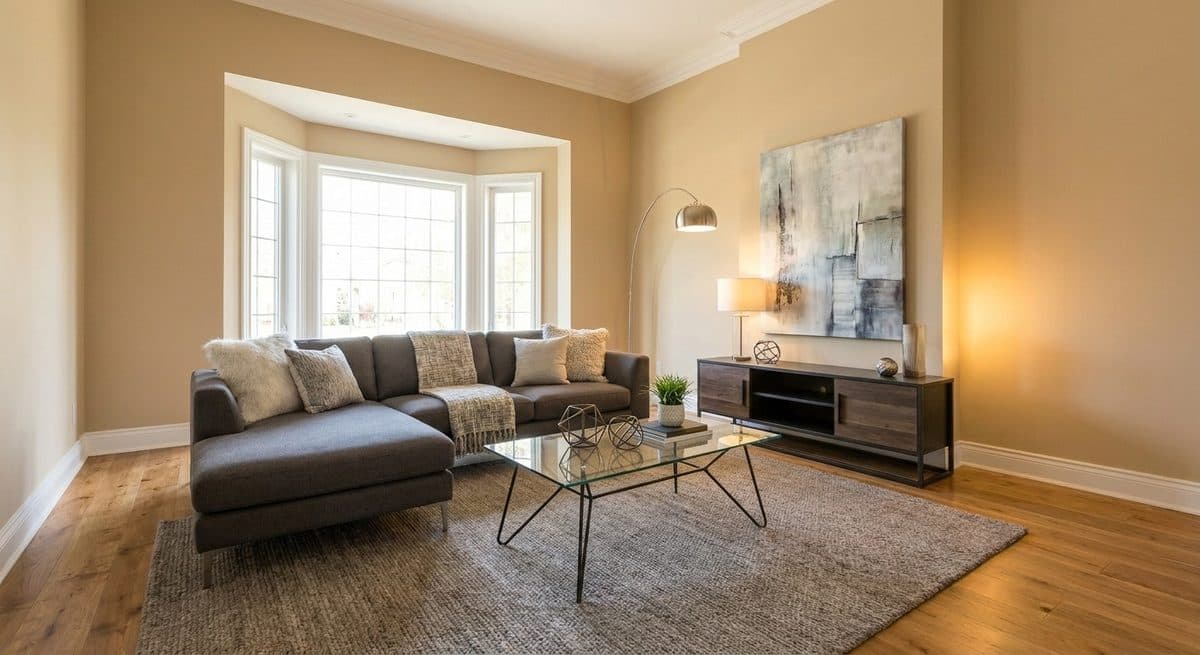
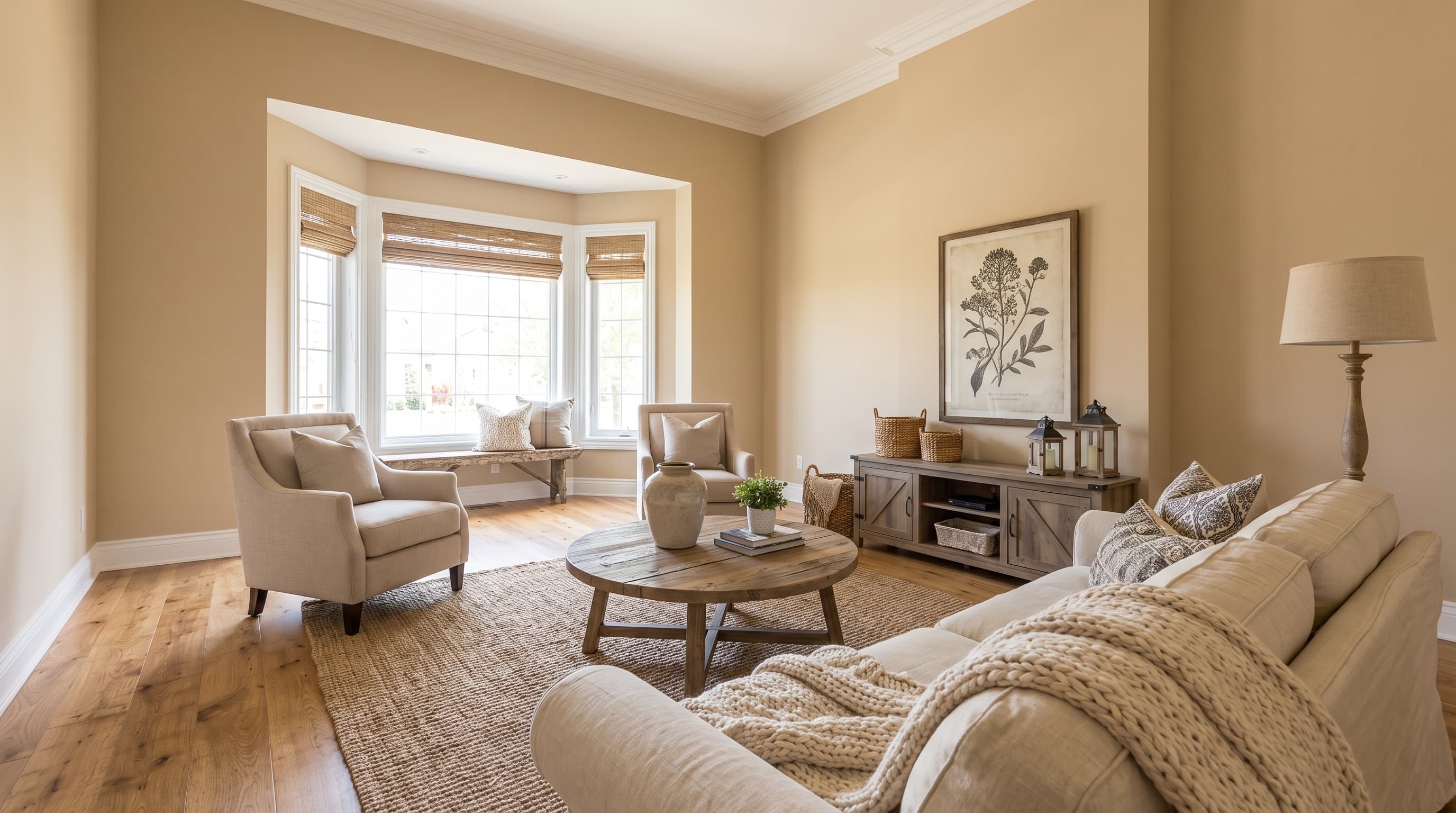
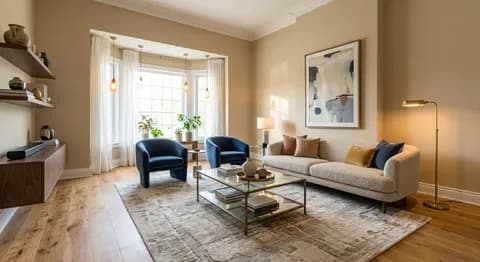
Empty living room, furnished in Modern

The bay window, floors, and layout are untouched — only furniture and decor were added. This exact room is the live demo further down the page.

Living room

Unretouched StageSnap render
Declutter~30 sec render
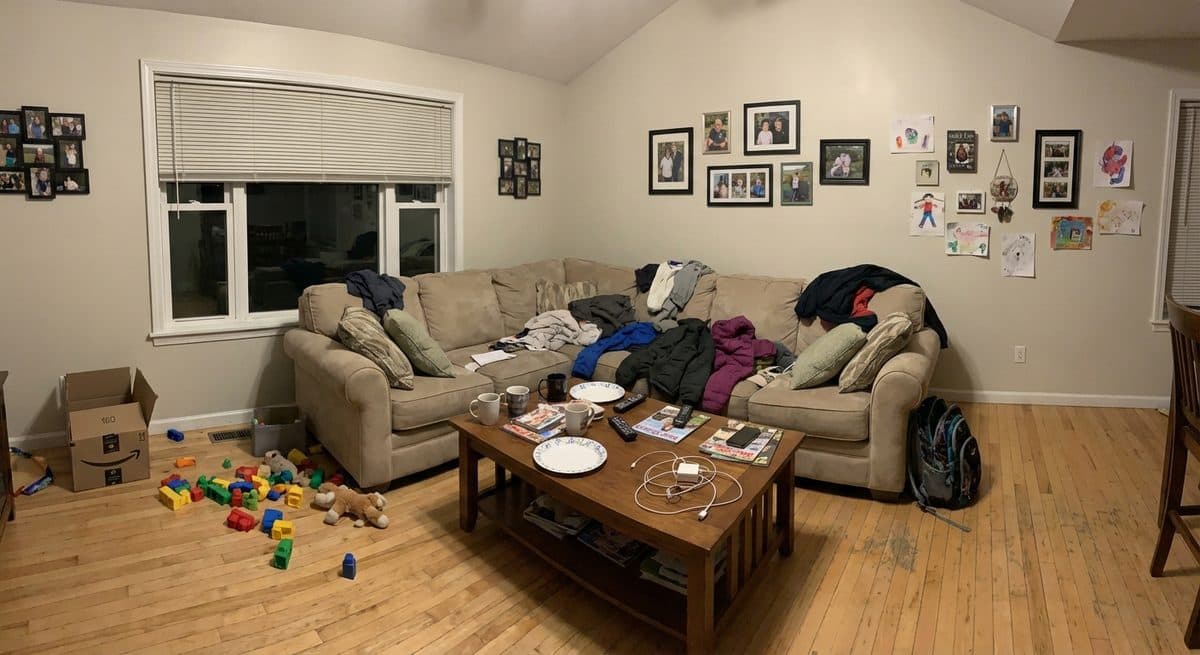
Before — Cluttered family room decluttered with AIBefore
After — Cluttered family room decluttered with AIAfter

One click from lived-in to listing-ready

Clutter and personal items removed without a dumpster or a weekend. The room underneath stays exactly as photographed.

Family room

Unretouched StageSnap render

Twilight~30 sec render
Before — Midday exterior photo converted to twilightBefore
After — Midday exterior photo converted to twilightAfter

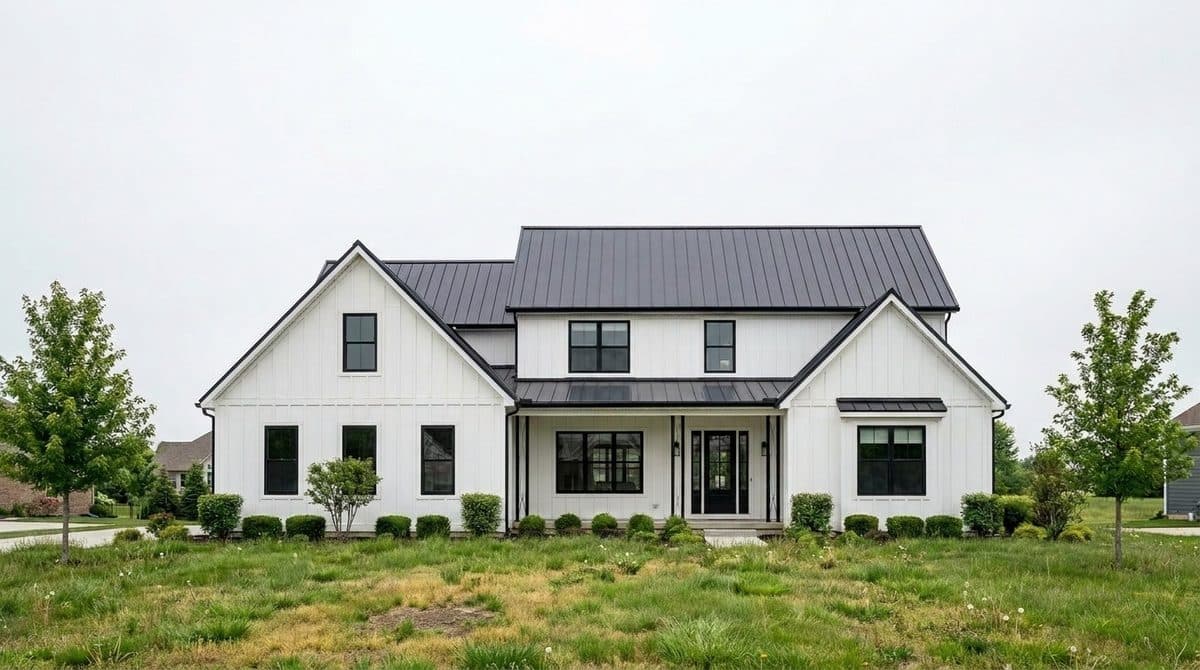
Golden hour from a midday snapshot

Same house, same angle — the flat midday sky becomes the dusk shot that stops the scroll on Zillow.

Exterior

Unretouched StageSnap render

Restyle~30 sec render
Before — The same living room restaged in a coastal styleBefore
After — The same living room restaged in a coastal styleAfter

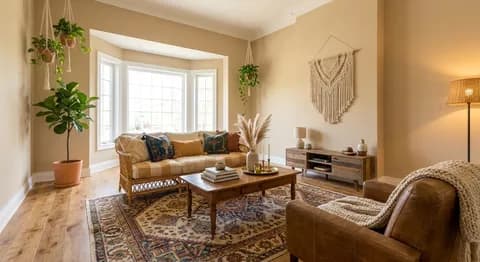
Same room, Coastal — restyled on request

When the seller wants a different look, restyle instead of re-shooting. This is the Modern room above, staged again in Coastal.

Living room

Unretouched StageSnap render
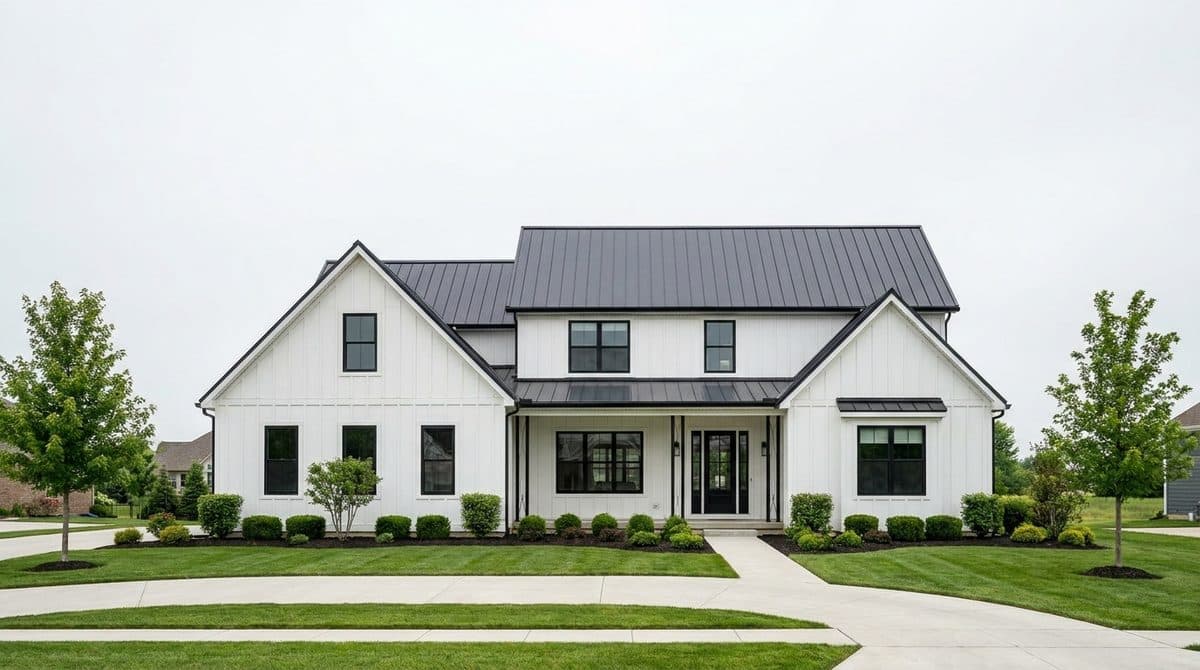
Curb appeal~30 sec render
Before — Home exterior with refreshed curb appealBefore
After — Home exterior with refreshed curb appealAfter

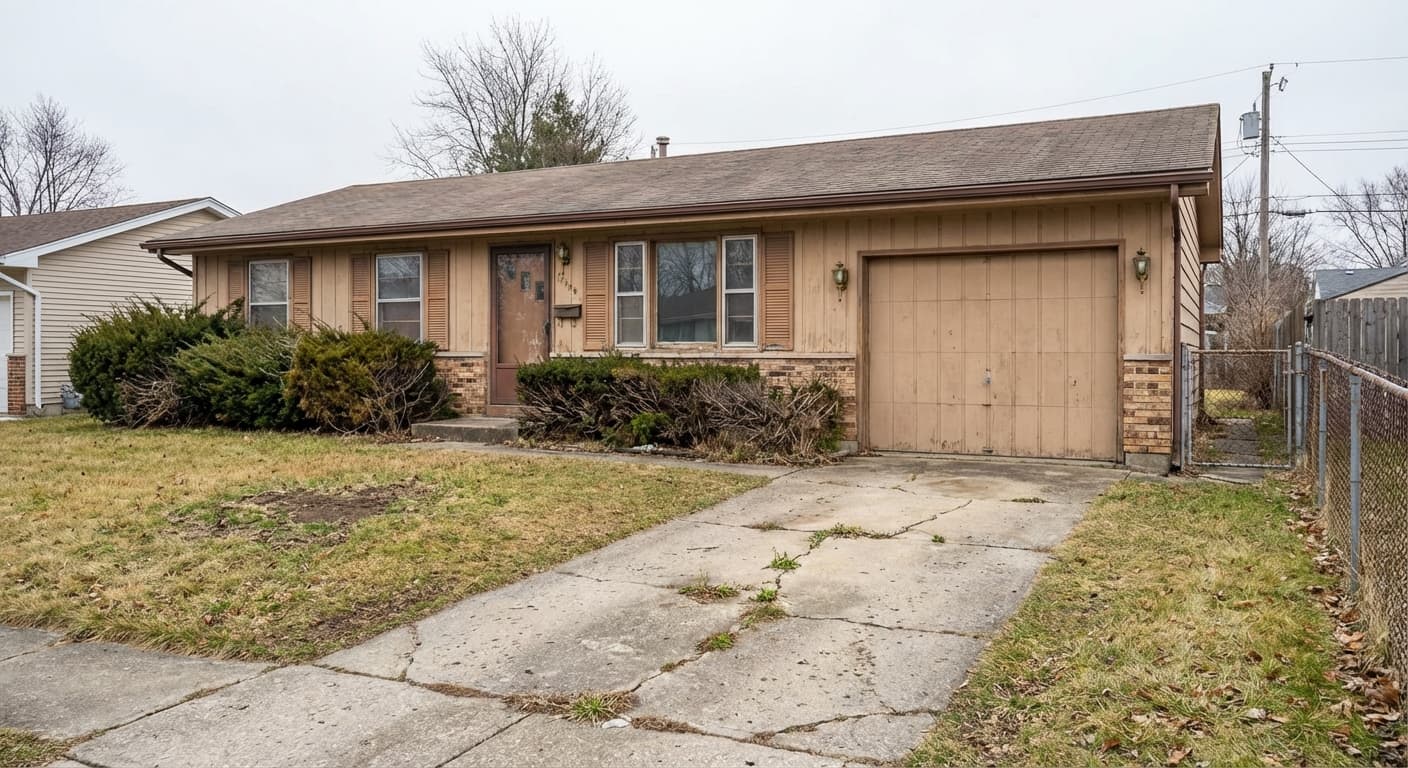
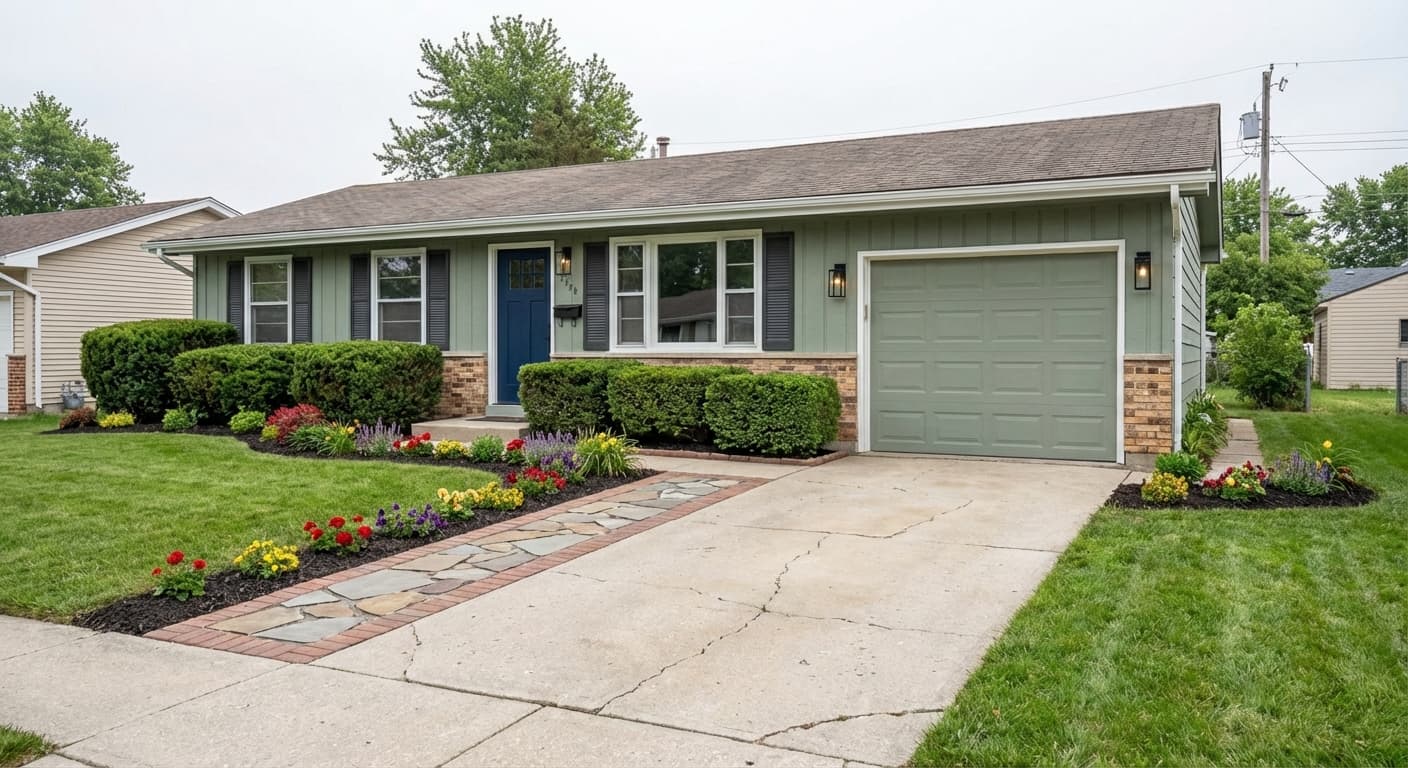
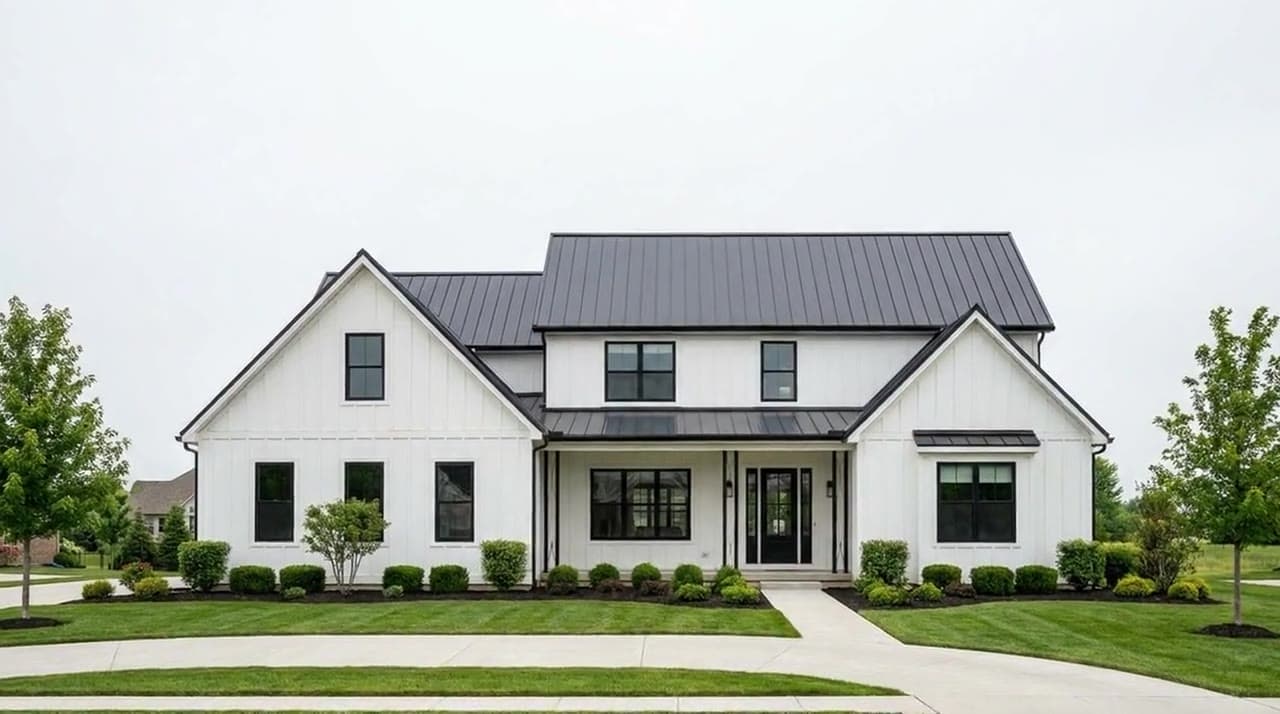
A better first impression from the street

Fresh lawn and a clean facade before a contractor is even quoted. Structure and siding lines stay put.

Exterior

Unretouched StageSnap render

Lawn repair~30 sec render
Before — Patchy lawn repaired in the listing photoBefore
After — Patchy lawn repaired in the listing photoAfter

Patchy yard, repaired in one pass

Dead grass reads as deferred maintenance to buyers. One edit later the listing photo says cared-for instead.

Yard

Unretouched StageSnap render
StageSnap vs. everything else

Staging services, traditional stagers, and DIY apps all fall short the same way. Here’s the difference.

The other options

Services, stagers & DIY apps

  • Staging services charge $16–30 per photo and take 24–48 hours
  • Traditional stagers run $2,000–8,000 per listing, plus scheduling
  • DIY editing apps cost your evenings and read as edited
  • Videos mean a separate videographer or separate tools
  • Social shapes get cropped and exported by hand
  • Flyers and postcards are another vendor, another invoice
  • Revisions are per-order fees or a second appointment
Slower, pricier, and split across vendors.
★ Best choice

One subscription

StageSnap

  • We don’t move your wallswindows and layout stay exactly where they are
  • Staged photos in ~30 secondsfrom the photos you already have
  • Flat monthly planno per-photo fees
  • Listing videos includedcut from your stills
  • Every social shape9:16, 4:5, 1:1, and 16:9 from one render
  • Flyers and postcardsfrom the same listing workspace
  • Unlimited revisionsrestyle until the seller says yes
  • Works from your phonestart on site, finish at your desk
  • Custom listing songan original track for the video

The real difference: everything a listing needs — photos, video, flyers, social, even the song — comes out of one workspace, from the photos already on your phone. No hand-offs, no re-briefs.

From phone photos to a finished listingin just 3 steps.

Lighting
Styles
Furniture
Cleanup
Video
Flyers

All handled automatically. You just upload. No design skills required.

Step 1

Upload

Any room, exterior, or floor plan — a phone shot from the driveway works. No prep, no photographer, no scheduling.

  • JPG, PNG, or HEIC straight off your phone
  • Batch-upload a whole listing at once
  • Originals stay organized by project

Upload your photo

JPG, PNG, HEIC. Anything goes.

living-room-01.jpg — an empty living room, uploading

living-room-01.jpg

2.4 MB · Uploaded

Continue
Step 2

Customize

Pick a room and a look — stage it, declutter it, swap the materials, or take it to twilight. Preview before you commit.

  • The room’s walls, windows, and layout stay put
  • 25+ interior and exterior styles
  • Restyle as many times as the seller wants

1. Select room type

Living room
Living room
Family room
Family room
Exterior
Exterior
Yard
Yard

2. Select design style

Modern style card
Modern
Farmhouse style card
Farmhouse
Scandi style card
Scandi
Coastal style card
Coastal
Step 3

Done

In about 30 seconds you’re looking at the finished photo, not imagining it. Download it, cut it into a walkthrough video, or send the flyer to print.

  • Listing-ready downloads for MLS and social
  • One click from photo to walkthrough video
  • Flyers, postcards, and captions from the same photos
The demo living room, staged in Farmhouse and listing-ready
Style: FarmhouseRoom: Living roomMode: Stage
Download

For your next listing, you really have just 3 options.

All three get photos in front of buyers. Only one does it before your coffee cools.

Option 1

Hire a professional stager

Spend days finding one, wait for furniture delivery, and hope the look matches what the seller had in mind. Video, flyers, and social are all separate vendors.

  • Physically staged rooms
  • Costs thousands, takes weeks
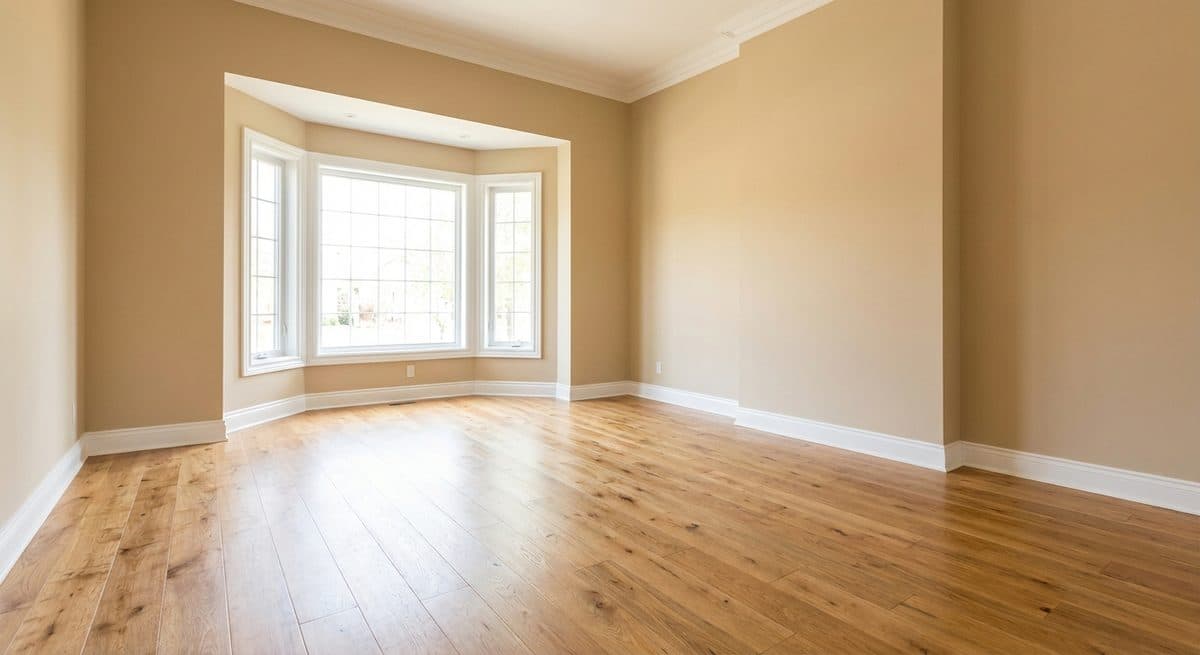
An empty, unstaged room — what the listing looks like while you wait

$2,000–8,000

per listing, weeks of lead time

Option 2

Do it yourself

Generic editing apps don’t know what a staged room looks like — results read as edited, every social format is a manual crop, and the evenings add up.

  • Cheap
  • Hours per listing, amateur results
A cluttered room — the photo you're left editing yourself

Your evenings

per listing, redone for every format

Option 3

Use StageSnap

Upload a photo, pick a style, click. A staged, listing-ready photo in about 30 seconds — video, flyers, and social from the same workspace.

From $9/mo billed yearly

  • Staged photos in about 30 seconds each
  • Listing videos, flyers, and social shapes included
  • Restyle as many times as the seller wants
  • Cancel anytime — no per-listing invoices
The empty room you'd upload — StageSnap takes it from hereBefore
No account needed — real renders only

Choose your space

Every tile below is an unretouched StageSnap render — then stage one yourself on the right.
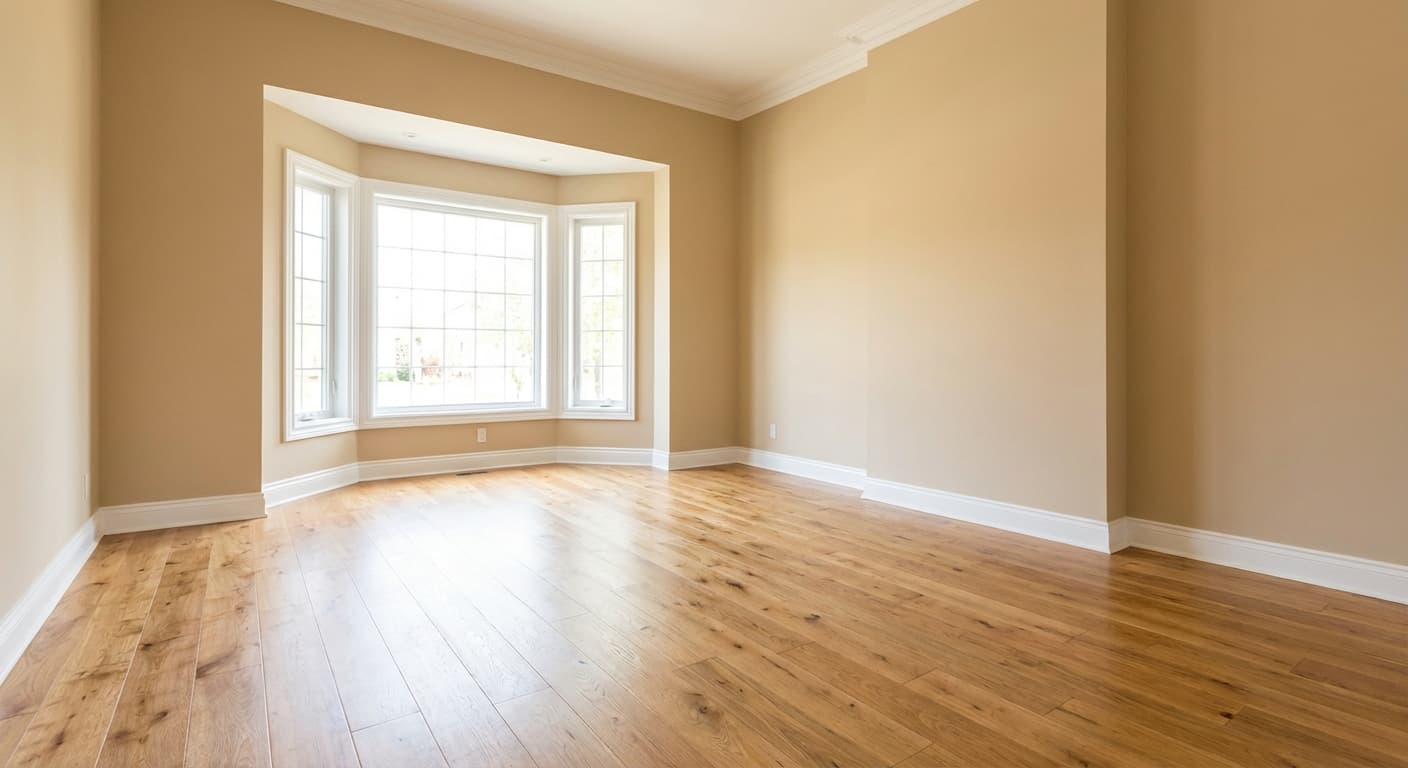
Latest from the studio

Before — Empty living room staged in a modern styleBefore
After — Empty living room staged in a modern styleAfter
Before — Cluttered family room declutteredBefore
After — Cluttered family room declutteredAfter
Before — The same living room restaged in a coastal styleBefore

Start staging this space:

Your walls, windows, and layout stay exactly where they are. Only the staging changes.

Step 1 · Your photo

Empty living room with a bay window, before stagingDemo photo — empty living room

Step 2 · Customize

Every result is a real, unretouched StageSnap render of this exact room.

Features included

One tool. Every listing job.Always your real photo.

Each of these is a shipped mode in the app — not a roadmap slide.

Before — Empty living room virtually staged in a coastal styleBefore
After — Empty living room virtually staged in a coastal styleAfter
Virtual staging

Stage any empty room

Furnished in 25+ styles, listing-ready in about 30 seconds. Walls and windows stay put.

Before — Cluttered room cleaned up with AI declutteringBefore
After — Cluttered room cleaned up with AI declutteringAfter
Declutter

Empty a room in one click

Strip out clutter, personal items, and tired furniture without a dumpster.

Midday — Midday exterior converted to a twilight photoMidday
Twilight — Midday exterior converted to a twilight photoTwilight
Sky & light

Twilight shots

Turn a flat midday photo into the golden-hour shot that sells the street.

Before — Home exterior with refreshed curb appealBefore
After — Home exterior with refreshed curb appealAfter
Exterior

Curb appeal refresh

Fresh lawn, clean facade, better first impression — before a contractor is quoted.

Modern — The same living room staged in Modern and again in FarmhouseModern
Farmhouse — The same living room staged in Modern and again in FarmhouseFarmhouse
Restyle

Same room, another look

When the seller wants different, restyle the render instead of re-shooting the room.

Before — Patchy lawn repaired in the listing photoBefore
After — Patchy lawn repaired in the listing photoAfter
Lawn repair

Fix the yard in the photo

Patchy grass reads as deferred maintenance. Repair it in the listing shot.

Site — Construction site rendered as the finished homeSite
Render — Construction site rendered as the finished homeRender
New construction

Sell it before it exists

A construction site rendered as the finished home — pre-sell off the dirt.

Before — A dim phone photo enhanced to listing qualityBefore
After — A dim phone photo enhanced to listing qualityAfter
Photo enhance

Rescue the phone shot

Exposure, color, and clarity fixed automatically — MLS-ready from a hallway snap.

Before — The same kitchen visualized with new materials and finishesBefore
After — The same kitchen visualized with new materials and finishesAfter
Materials

Swap colors & materials

Show buyers the same kitchen with new counters, floors, or cabinets — before demo day.

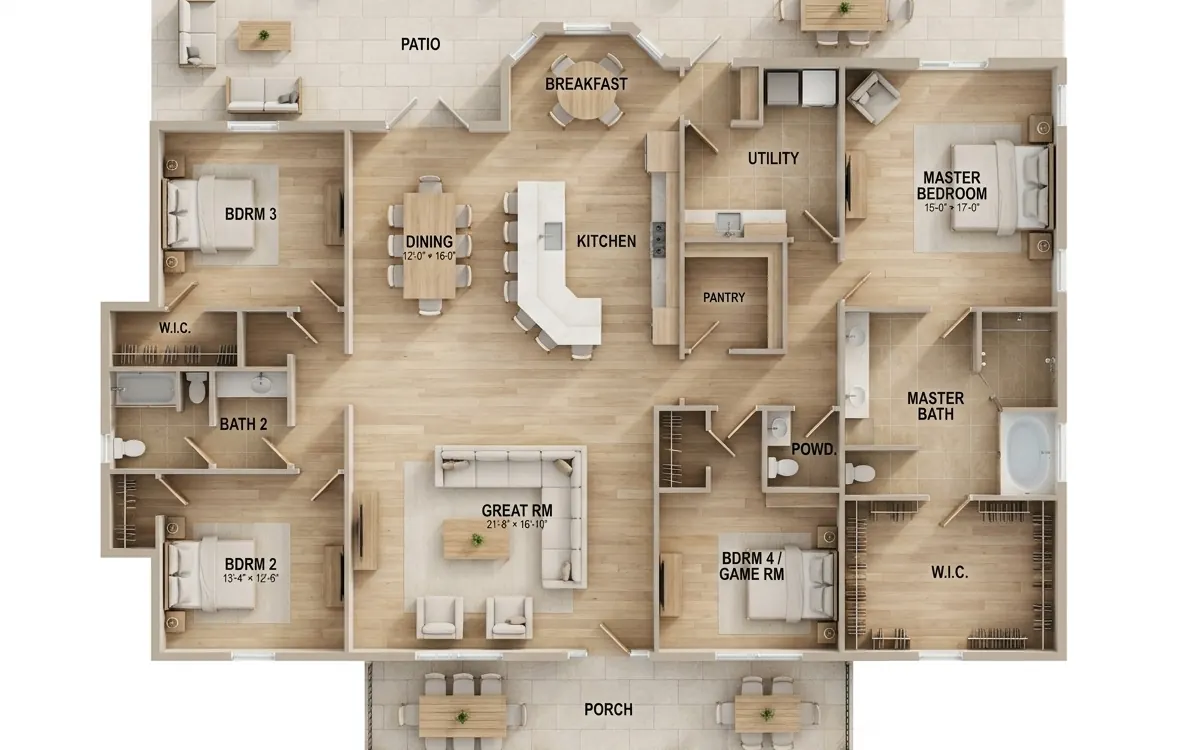
A flat floor plan, the input for furnished room renders
Floor plans

Flat plan to furnished render

Drop in a floor plan, get furnished room renders — sell the layout, not the lines.

A frame from a real StageSnap walkthrough video
Motion

Walkthrough videos

Cinematic camera moves and dissolves, cut from the stills you already rendered.

A just-listed social post generated by StageSnap
Print & social

Flyers and postcards

Print-ready flyers, postcards, and social posts from the same listing workspace.

“Bay windows and morning light…”

Audio

Listing songs

An original AI-written song about the home, timed to your video cut.

A staged room render, the same on web and iPhone
Anywhere

Web + iPhone

Start on site from your phone, finish at your desk — same account, same projects.

One workspace

Every tool, one screen

Staging, decluttering, materials, floor plans, and video live in the same project — pick a mode on the left, restyle on the right, and your renders stay together.

app.stagesnap.ai
A real StageSnap render — the demo living room staged in Farmhouseliving-room-01 · Farmhouse
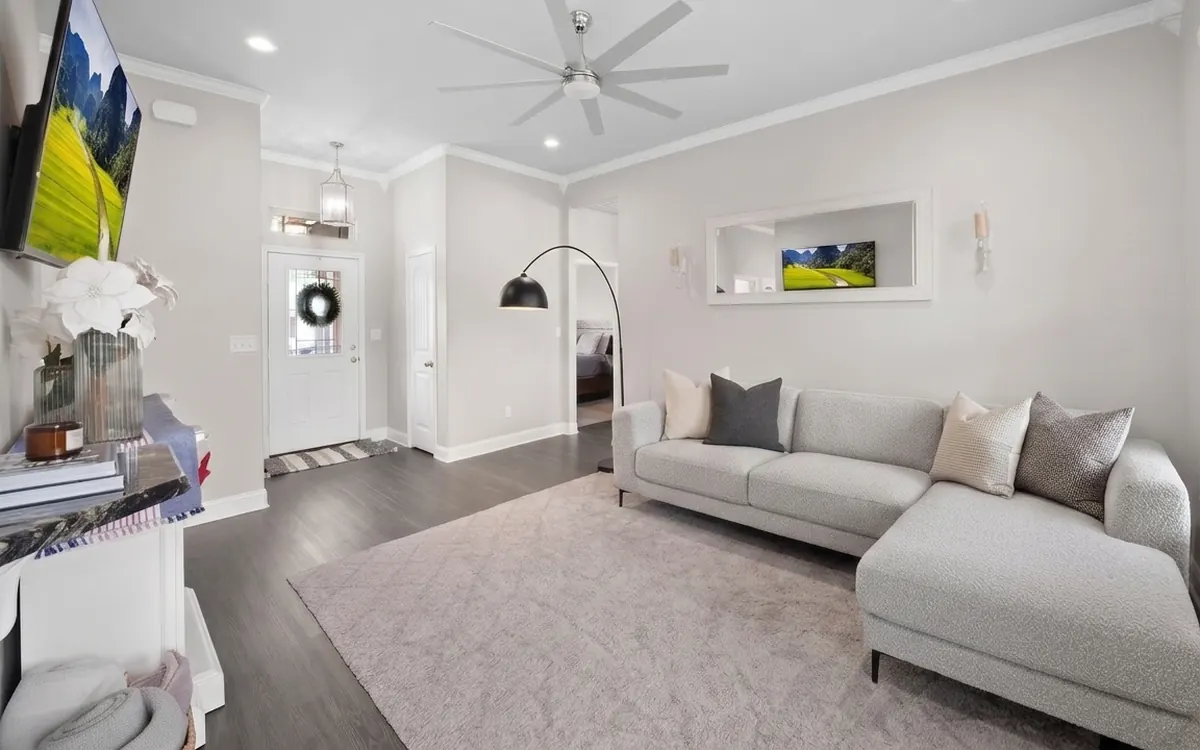
Illustration of the StageSnap workspace — every photo inside it is a real, unretouched StageSnap render.

Style picker

Any of 25+ looks, on your exact room

Pick a style card and StageSnap stages your photo in that look — same walls, same windows, brand-new room. Below: the demo room, the Farmhouse style card, and the real render.

An empty living room photo, before staging
Your photo
The Farmhouse style card from the StageSnap style pickerFarmhouse
A style you pick
The same living room, staged in the Farmhouse style by StageSnap
Your room, staged

You direct the camera

Nine cinematic moves, planned shot by shot. Tap one — it plays live on a real staged photo.

AI-staged living room used to preview camera moves
Push in

Slowly zooms toward your focal point.

Connect one photo to the next

Shots dissolve into each other like a filmed walkthrough — not a slideshow.

Living roomTwilight exterior
0.5s crossfade
Living room
Twilight exterior

A full video edit, without an editor

Styled intros and outros, every platform’s shape, and pacing to match the listing.

Rendered with StageSnap

A real StageSnap render — construction site to finished home.

Custom video intros and outros, ready to go.

Open and close your listing video with a branded title card — pick a look that matches your style.

Just listed

12 Harbor Lane

PulseKinetic, social-native energy

12 HARBOR LANE

a private residence

EstateQuiet luxury, serif editorial

Sheet 04

12 Harbor Lane

3 bd · 2 ba · 2,140 sqft

BlueprintClean, data-forward proptech

HARBOR LANE

NoirCinematic trailer, letterboxed

Open
house

Sat 1–3
MarkerBrutalist print, stamps and tape

12 Harbor Lane

GOLDEN HOUR SHOWING

GoldenWarm lifestyle, golden-hour soft

12 harbor lane

open saturday — one to three

SwissInternational-Style poster, flat

HARBOR

THE NO. 12 ISSUE

VogueMagazine cover, city masthead

Open

Tonight

NeonAfter-dark glow

12 Harbor Lane

Now showing

AtriumFrosted glass over the room

One render, every shape

Pick the platform — the camera work is re-framed, not cropped.

Staged living room framed at 9:16
9:16Reels & TikTok
Staged living room framed at 4:5
4:5Instagram feed
Staged living room framed at 1:1
1:1Square posts
Staged living room framed at 16:9
16:9MLS & YouTube

Four pacing styles

The same shots, re-timed to match the listing’s mood.

Calm

Slow, gentle moves that let rooms breathe.

Balanced

The Director’s default pacing.

Energetic

Fast, punchy cuts made for social.

Grand

Bold, sweeping moves for hero listings.

Every photo edit a listing needs

Pick an edit, drag the slider. Real photos, real renders.

Empty room
AI staged
Empty room
AI staged
← drag to compare →

Furnish an empty room in any of 25+ styles — in about 30 seconds.

Modern staging style
Modern
Scandinavian staging style
Scandinavian
Farmhouse staging style
Farmhouse
Luxury staging style
Luxury
Coastal staging style
Coastal
Midcentury staging style
Midcentury
Japandi staging style
Japandi
Industrial staging style
Industrial
Bohemian staging style
Bohemian
Minimalist staging style
Minimalist
Contemporary staging style
Contemporary
Traditional staging style
Traditional
Transitional staging style
Transitional
Art deco staging style
Art deco
Hollywood staging style
Hollywood
French staging style
French
Mediterranean staging style
Mediterranean
Rustic staging style
Rustic
Cottage staging style
Cottage
Eclectic staging style
Eclectic
Biophilic staging style
Biophilic
Asian staging style
Asian
Southwestern staging style
Southwestern
Modern exterior staging style
Modern exterior
Farmhouse exterior staging style
Farmhouse exterior
Mediterranean exterior staging style
Mediterranean exterior
Cottage exterior staging style
Cottage exterior
Desert exterior staging style
Desert exterior
Traditional exterior staging style
Traditional exterior

25+ interior and exterior styles, rendered on real rooms.

Go viral with your own custom-written song

Create your own AI-written song for your listing video — original lyrics from the home’s details, sung in the genre you pick, timed to your cut.

Sunlight on the hardwood — this one won’t wait

Sample lyric line · Pop

Simply:Upload a photoPick your styleGet your listing kit

Click below to secure your access

Photos, video, flyers, and the listing song — every mode on this page, from one subscription.

VISAMastercardAMEXDiscoverSecure checkout via Stripe · Cancel anytime

Ready for your listings:

  • MLS-READY
  • Web + iPhone
  • STRIPE SECURED
  • 4K Exports
  • PRINT-READY
  • Fair-Housing Aware

Pick your plan. Stage tonight.

Every plan includes every mode — the tiers change how much you can render.

Essential

$9/mo

$108 billed yearly · cancel anytime

For agents ready to publish a few listings each month.

Cancel anytime · save 59%

What’s included

  • 24 listing videos a year — use anytime
  • 1,200 AI photo edits a year — yours upfront
  • All design styles
  • 1080p video resolution
  • 4K still exports (2 credits)
  • Unused credits roll over
  • Upgrade for more monthly video credits
Most popular

Growth

$11/mo

$132 billed yearly · cancel anytime

For agents and small teams scaling their listing content.

Cancel anytime · save 62%

What’s included

  • Everything in Essential, plus:
  • 96 listing videos a year — use anytime
  • 12,000 AI photo edits a year — yours upfront
  • Upload images up to 25MB
  • Priority human support
  • Live onboarding call
  • Upgrade for more monthly video credits
For professionals

Pro

$14/mo

$168 billed yearly · cancel anytime

For top producers, teams, and brokerages at scale.

Cancel anytime · save 62%

What’s included

  • Everything in Growth, plus:
  • 192 listing videos a year — use anytime
  • 24,000 AI photo edits a year — yours upfront
  • Shared team workspace and per-member limits
  • Dedicated account support
  • Fastest video processing
  • Upgrade for more monthly video credits
Secure checkout via StripeRenews at the same price — cancel anytime from your account, no emailUnused credits roll over

Most listing-ready still images use 1 credit. 4K output and batch variation grids use 2 credits. Listing videos are included on every paid plan.

No lock-in, ever

Our promise

If the renders stop earning their keep, leaving takes two clicks.

No contracts, no per-listing invoices, no retention phone call. Stage the demo room on this page before you buy, and once you’re in, every photo, video, and flyer you make is yours to keep — subscribed or not.

Completely risk-free.

  • Cancel right from your account — the billing portal is in your settings. No email, no phone call, no retention script.
  • Unused credits roll over for up to a year, so a slow month is never money burned.
  • Every render you make is yours to download and keep, even if you leave.
Why it’s an easy yes.

No lock-in

Month-to-month or yearly — cancel from billing settings in two clicks.

Your real rooms

Walls, windows, and layout stay put — only the staging changes.

Every tool, one login

Photos, video, flyers, social, and the song. Not five subscriptions.

No skills needed

Upload a photo, pick a style, click. Listing-ready in seconds.

Got questions?

Frequently asked questions

Everything agents ask before their first upload.

Will the staged photo still look like my listing?

Yes — StageSnap works on the photo you upload. Walls, windows, flooring, and the room’s layout stay exactly where they are; only furniture, decor, and finish details are added or changed. It’s your room, staged, not a lookalike render.

Can I cancel anytime?

Yes — right from your account. The billing portal lives in your settings: open it, click cancel, done. No email to support, no phone call, no retention script. Plans renew at the same price until you do.

How do credits work?

Most listing-ready photos use 1 credit; 4K exports and batch variation grids use 2. Credits are only consumed when a render succeeds, and unused credits on paid plans roll over.

What’s the difference between the plans?

All paid plans include every mode — staging, decluttering, exteriors, twilight, flyers, and listing videos. Higher tiers add more monthly credits, more included videos at a better per-video price, and team seats on the top tier.

What if MLS rules require disclosure?

Virtually staged photos should be disclosed per your MLS and local rules. StageSnap keeps your originals alongside every render in the same project, so publishing the before next to the after is one click, not an archaeology dig.
Do I need design or editing experience?

No. You upload a photo and pick a style — lighting, furniture scale, and decor are handled automatically. If a result isn’t right, restyle it as many times as you want.

Your move

Your next listing deserves the full treatment— in the next 30 seconds.

One photo in, a finished listing kit out. Photos, video, flyers, and the song, all from one login.

A twilight exterior render — the kind of shot StageSnap makes from a midday photo

Right now, you’re one click away from:

Any room staged in about 30 seconds
Empty listings furnished before the open house
Walkthrough videos cut from your stills

Flyers and social posts from the same photos

Secure checkout via Stripe · Cancel anytime