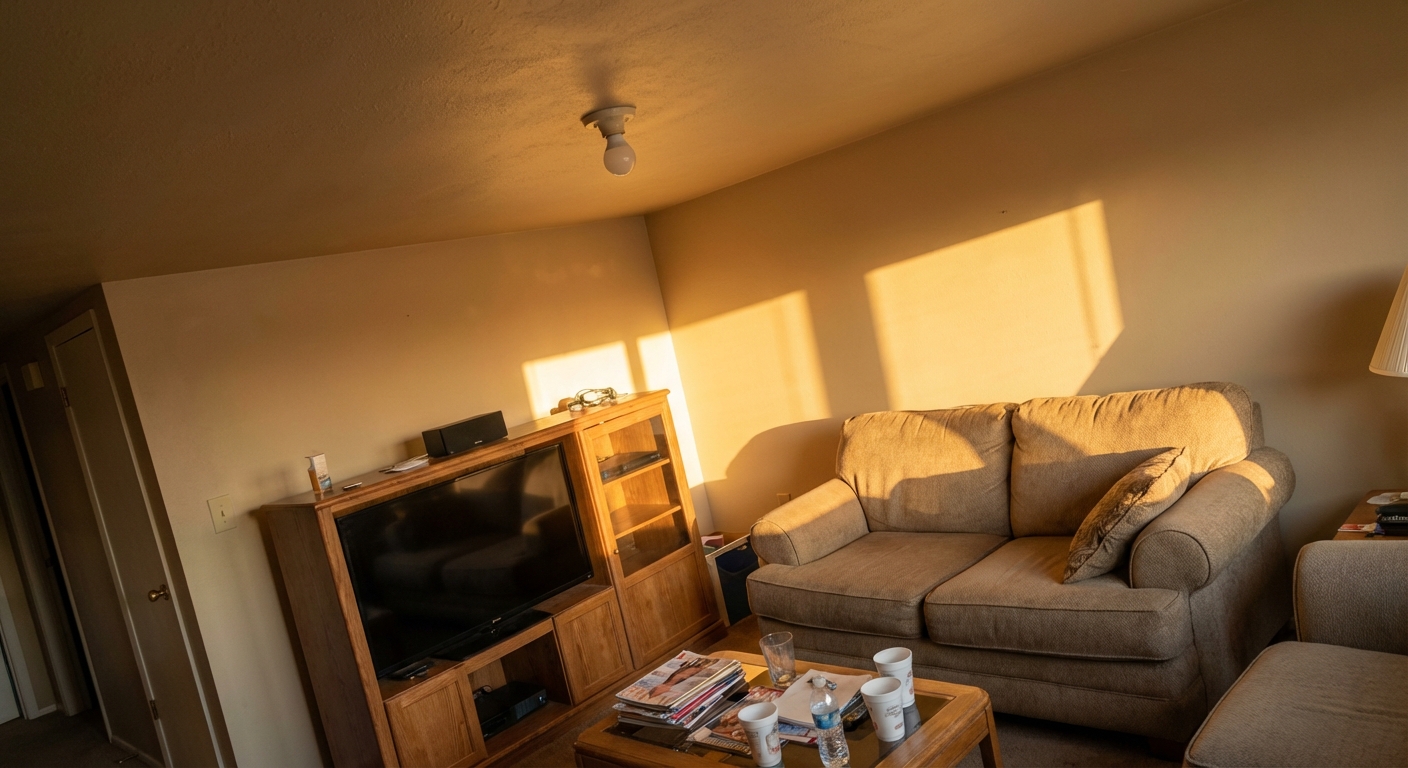
Real estate photo enhancement for listing-ready rooms, exteriors, and floor plans
Turn real listing media into cleaner, more useful marketing assets with targeted edits, before-and-after review, material swaps, and floor-plan render workflows.
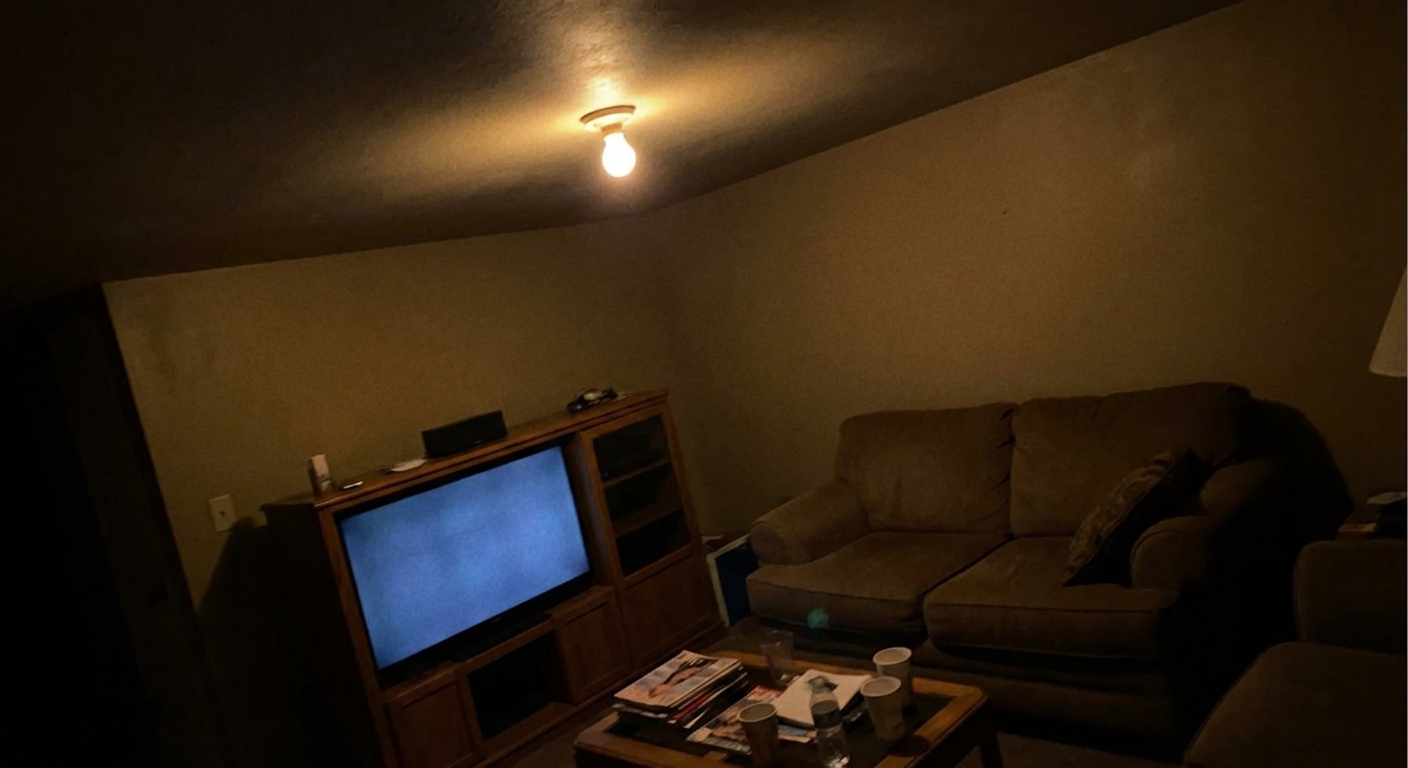
Before to after - drag the slider
Built for the real listing media workflow
Mark the exact area to add or remove an object, then review the result with the built-in before-and-after compare slider.
Change Flooring, Walls, Cabinets, Countertops, Backsplash, Tile, Siding, Front Door, Trim, Roof, Driveway, and Fence surfaces from one workflow.
Use plan render workflows to turn floor plan context into room visuals that help buyers understand the space before a showing.
Keep original uploads, generated results, and public share links connected to the listing project instead of scattering files across tools.
From raw photos to a finished listing
Upload your photos
Add room photos from your phone or computer — or import a listing's whole gallery by address in one click.
Choose your look
Pick from 24+ design styles, or tell the AI exactly what to add, remove, or refresh.
AI does the work
Staged photos in about 30 seconds. Paid plans also generate walkthrough videos with voiceover and music.
Share or download
MLS-ready exports, or send clients a before/after link they can open on any phone — no app needed.
Questions agents ask first
What is real estate photo enhancement in StageSnap?+
Real estate photo enhancement in StageSnap means improving listing media with targeted AI edits, material or paint swaps, floor-plan render workflows, and before-and-after review tools.
Can I add or remove objects from a listing photo?+
Yes. StageSnap supports pin-based add and remove edits, so you can mark the area that needs work and describe the change before generating the edited result.
Which surfaces can I change with material or paint swap?+
StageSnap supports Flooring, Walls, Cabinets, Countertops, Backsplash, Tile, Siding, Front Door, Trim, Roof, Driveway, and Fence surfaces.
Does StageSnap show the original and enhanced image together?+
Yes. StageSnap uses before-and-after compare controls so you can inspect the generated image against the source photo before saving or sharing it.
Can StageSnap create visuals from floor plans?+
Yes. The plan render workflow supports floor-plan-to-photorealistic room renders, which helps turn layout context into listing visuals.
How is this different from a one-off image editor?+
StageSnap keeps photos, generated results, projects, credits, and share links together, so the enhancement workflow stays attached to the listing instead of becoming a disconnected file edit.