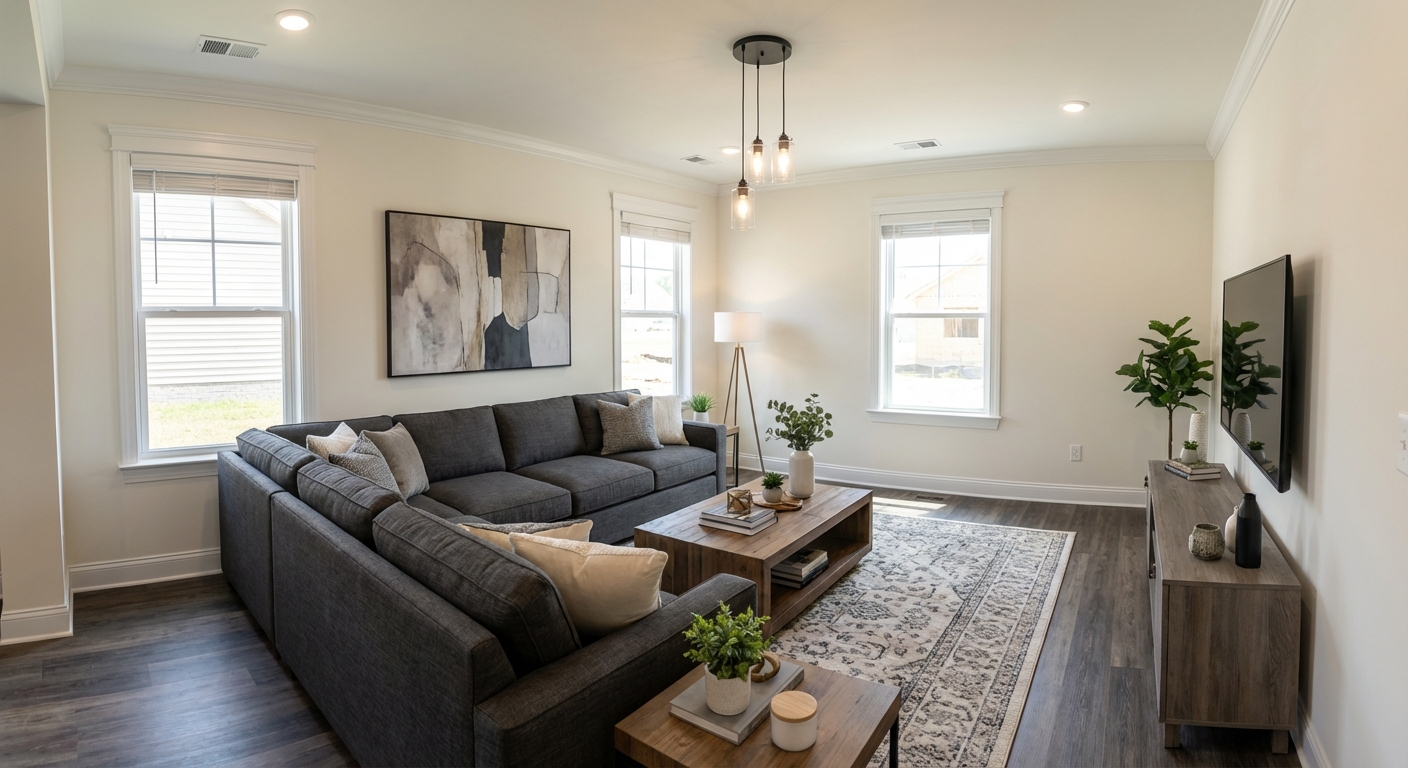
Before After — drag the slider
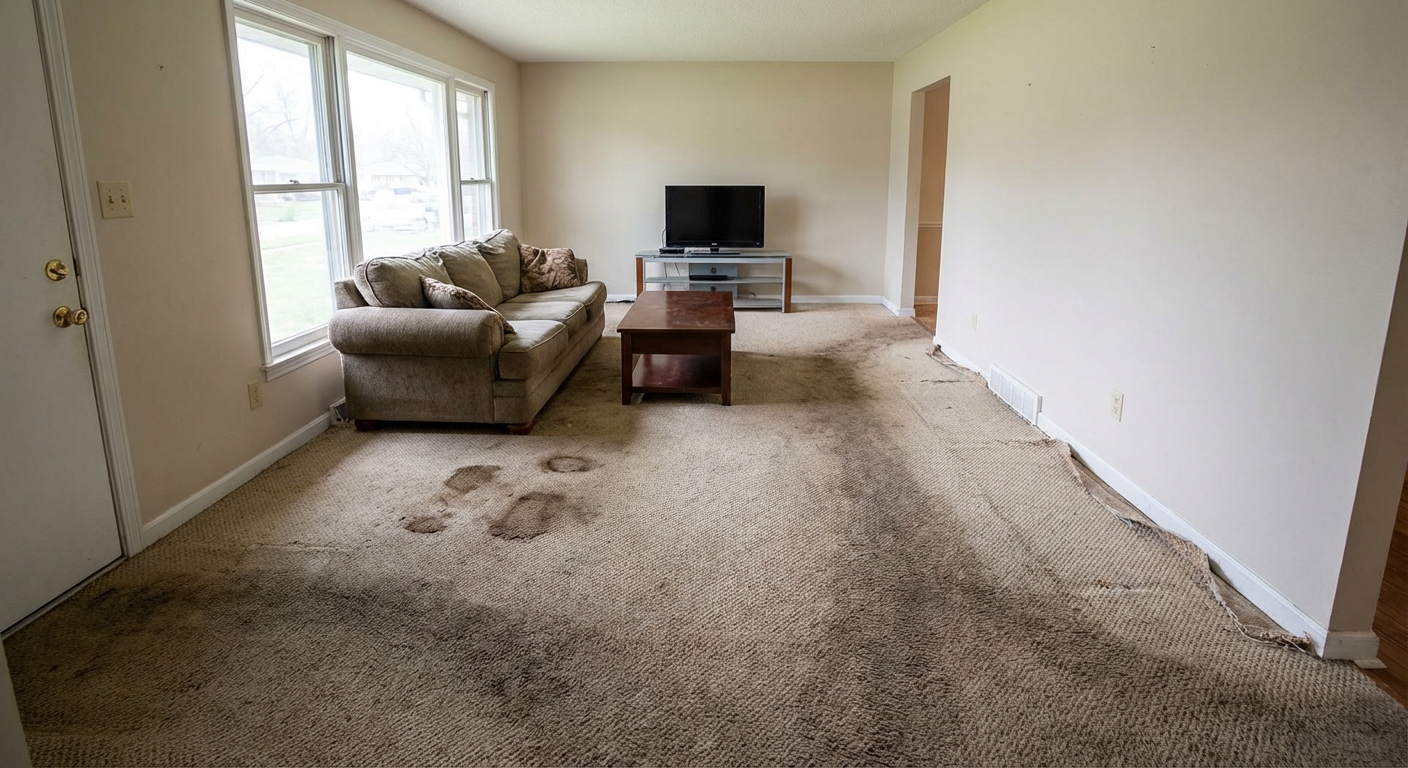
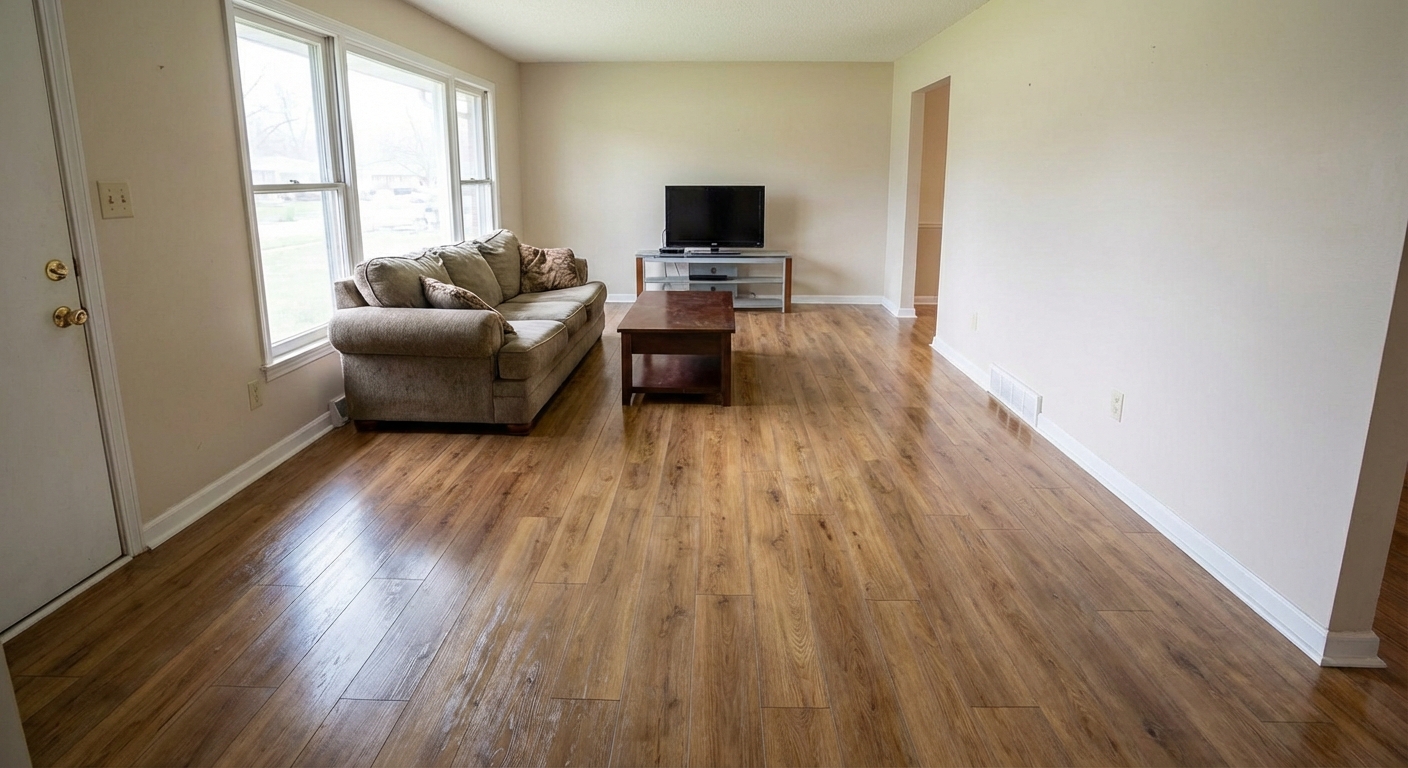
From raw photos to a finished listing
Upload your photos
Add room photos from your phone or computer — or import a listing's whole gallery by address in one click.
Choose your look
Pick from 24+ design styles, or tell the AI exactly what to add, remove, or refresh.
AI does the work
Staged photos in about 30 seconds. Paid plans also generate walkthrough videos with voiceover and music.
Share or download
MLS-ready exports, or send clients a before/after link they can open on any phone — no app needed.
Capture rooms on iPhone. Finish the listing on web.
StageSnap uses one account for projects, uploads, renders, credits, and client share links, so your on-site photos and office workflow stay together.
Hardwood Stain Selection
Show clients the difference between dark walnut, natural, gray wash, or ebony — on their actual existing floors. Make the stain decision before any sanding starts.
Preview a Stain ColorTile Pattern & Layout Selection
Herringbone or straight lay? Large format or subway? Preview tile patterns and grout colors in the client's real bathroom or kitchen — before any demo.
Preview a Tile Layout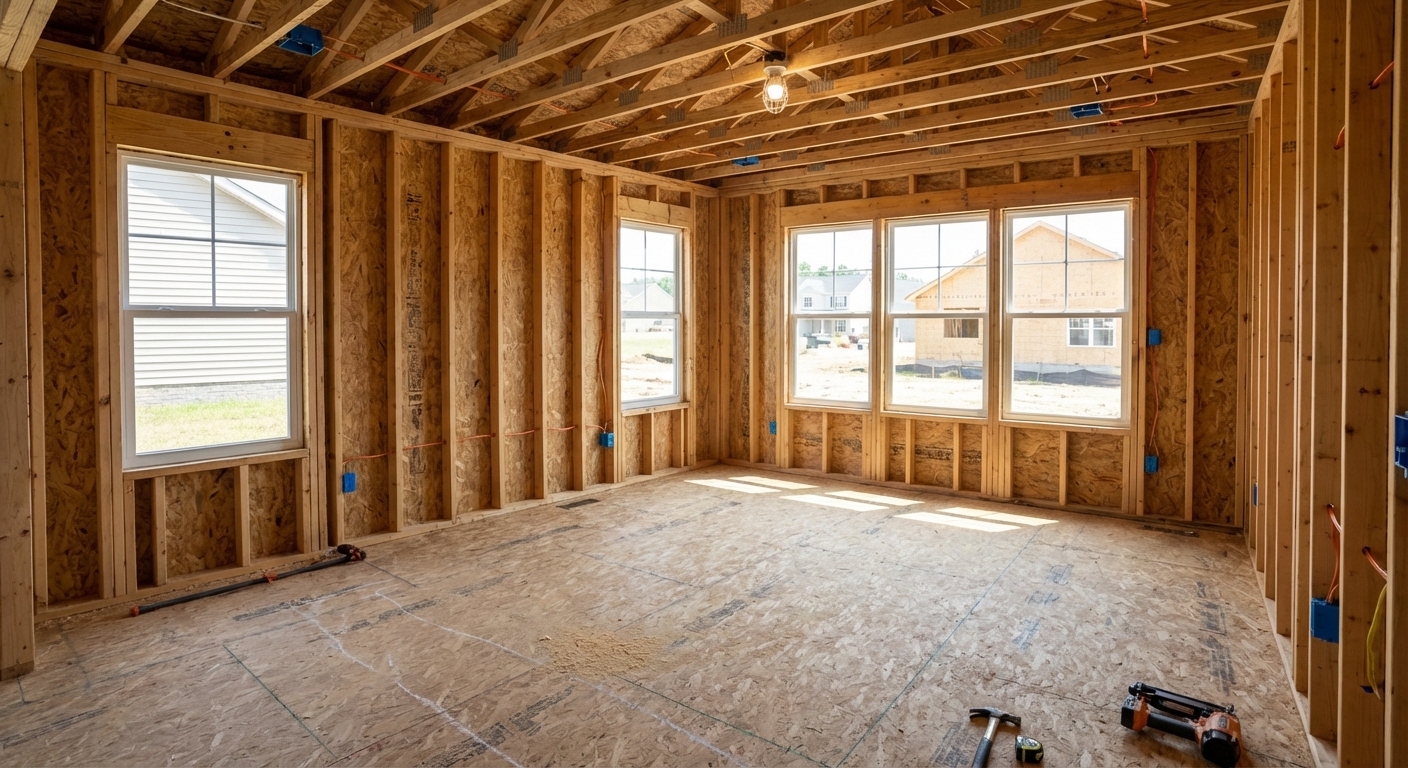
Everything you need for flooring
One workspace for photos, videos, and client sharing — no add-ons.
One Click to Share the Before & After
The moment your renders are ready, send clients a professional before/after link — via text or email. No app download, no login required on their end.
- Works on any phone — clients see it instantly, no app needed
- Text or email a link; they see the side-by-side in one tap
- Upload from the property in seconds
- Whole team can share — usage tracked per person
Share Project
Client gets a link — no account needed
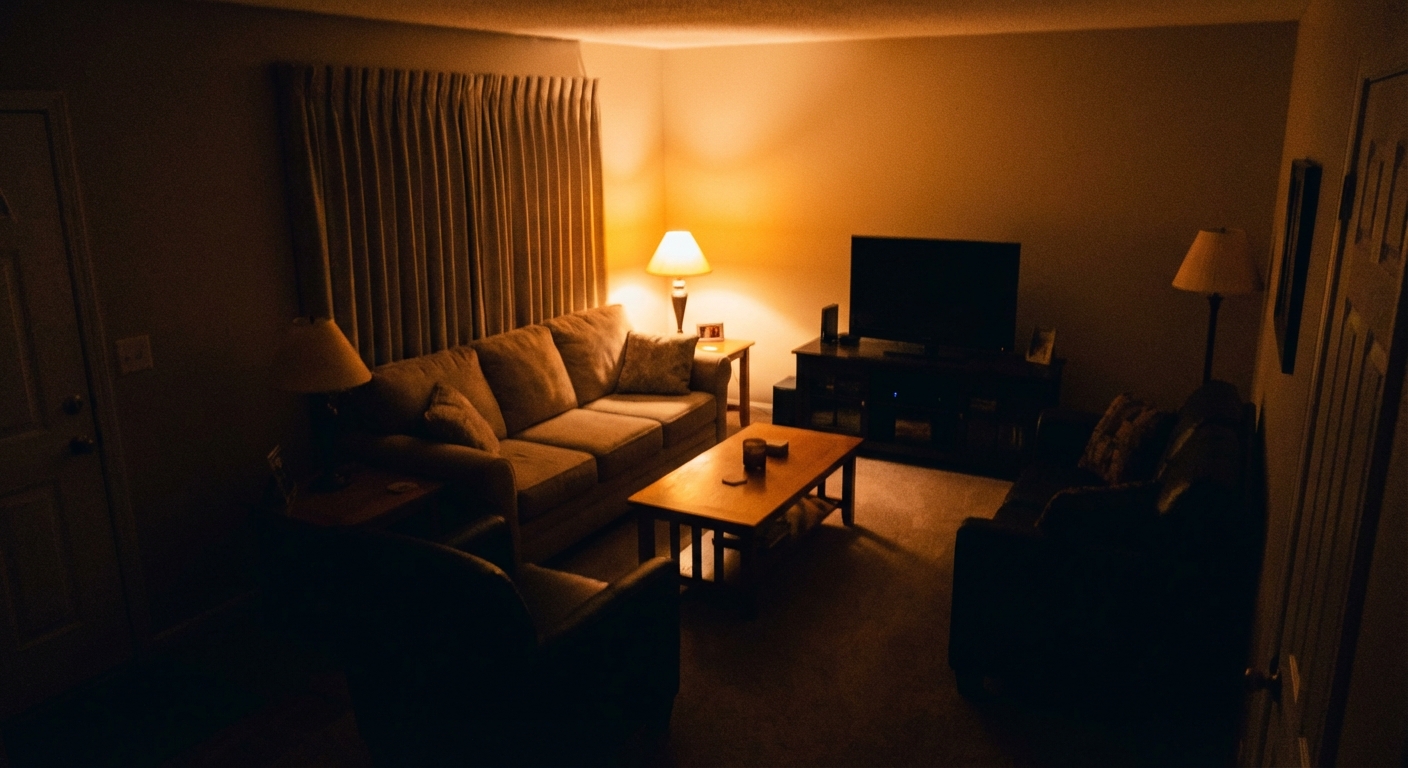
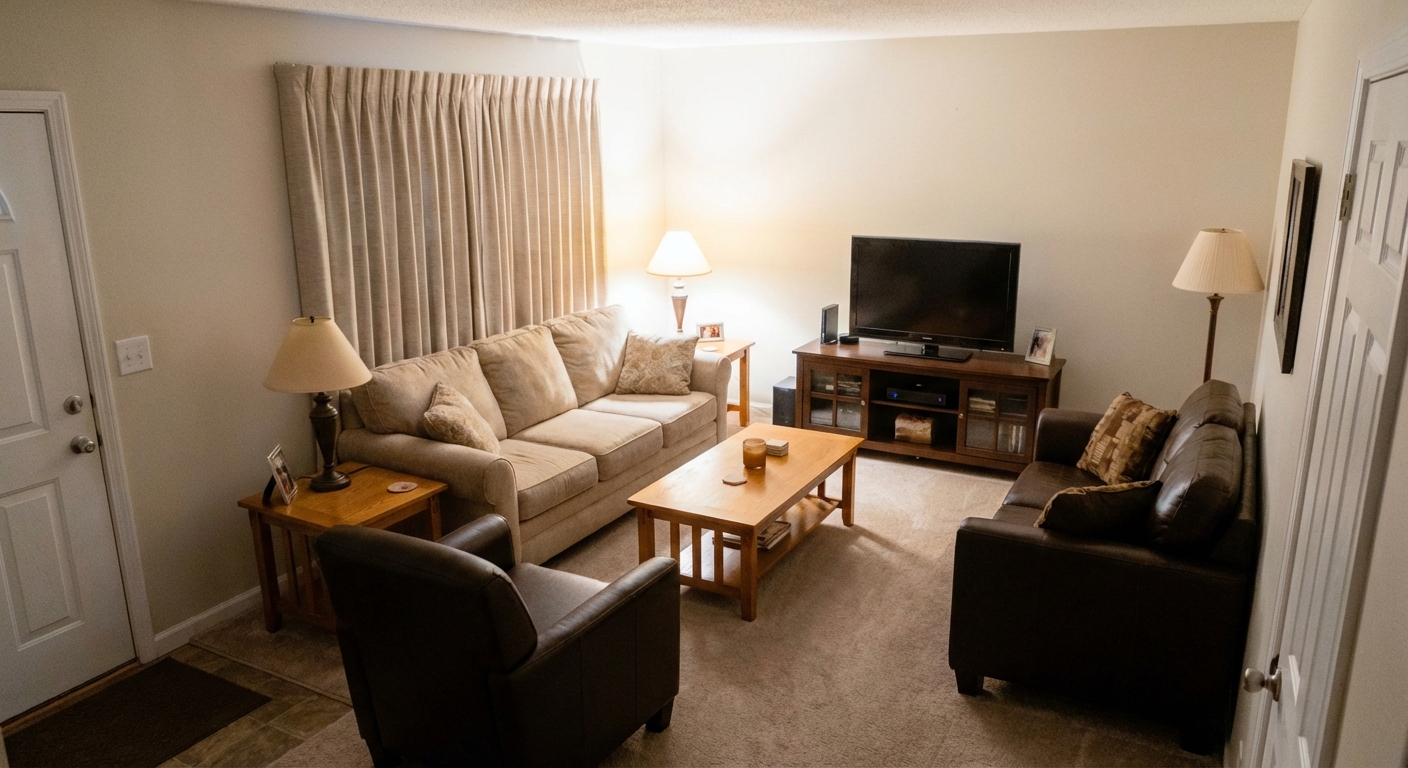
Clients get a professional before/after — on any device, instantly
Simple, Transparent Pricing
Plans from $9/mo · Cancel anytime
Essential
$108 billed yearly · cancel anytime
For agents ready to publish a few listings each month.
Cancel anytime · save 59%
What’s included
- 24 listing videos a year — use anytime
- 1,200 AI photo edits a year — yours upfront
- All design styles
- 1080p video resolution
- 4K still exports (2 credits)
- Unused credits roll over
- Upgrade for more monthly video credits
Growth
$132 billed yearly · cancel anytime
For agents and small teams scaling their listing content.
Cancel anytime · save 62%
What’s included
- Everything in Essential, plus:
- 96 listing videos a year — use anytime
- 12,000 AI photo edits a year — yours upfront
- Upload images up to 25MB
- Priority human support
- Live onboarding call
- Upgrade for more monthly video credits
Pro
$168 billed yearly · cancel anytime
For top producers, teams, and brokerages at scale.
Cancel anytime · save 62%
What’s included
- Everything in Growth, plus:
- 192 listing videos a year — use anytime
- 24,000 AI photo edits a year — yours upfront
- Shared team workspace and per-member limits
- Dedicated account support
- Fastest video processing
- Upgrade for more monthly video credits
Lender Pro
$470 billed yearly · cancel anytime
For loan officers who co-market with their agent partners.
Cancel anytime · save 20%
What’s included
- Claim your territory
- Unlimited co-brand partners
- Fund and split agent ad spend
- Listing videos for your partners’ listings
- RESPA-ready co-marketing invoices
Most listing-ready still images use 1 credit. 4K output and batch variation grids use 2 credits. Listing videos are included on every paid plan.
1 credit = 1 AI photo edit.